Managing Applications with the Admin Web UI Console
To access the abcdesktop.io administration console, navigate to:
http://<YOUR_ABCDESKTOP_URL>:<YOUR_PORT>/console
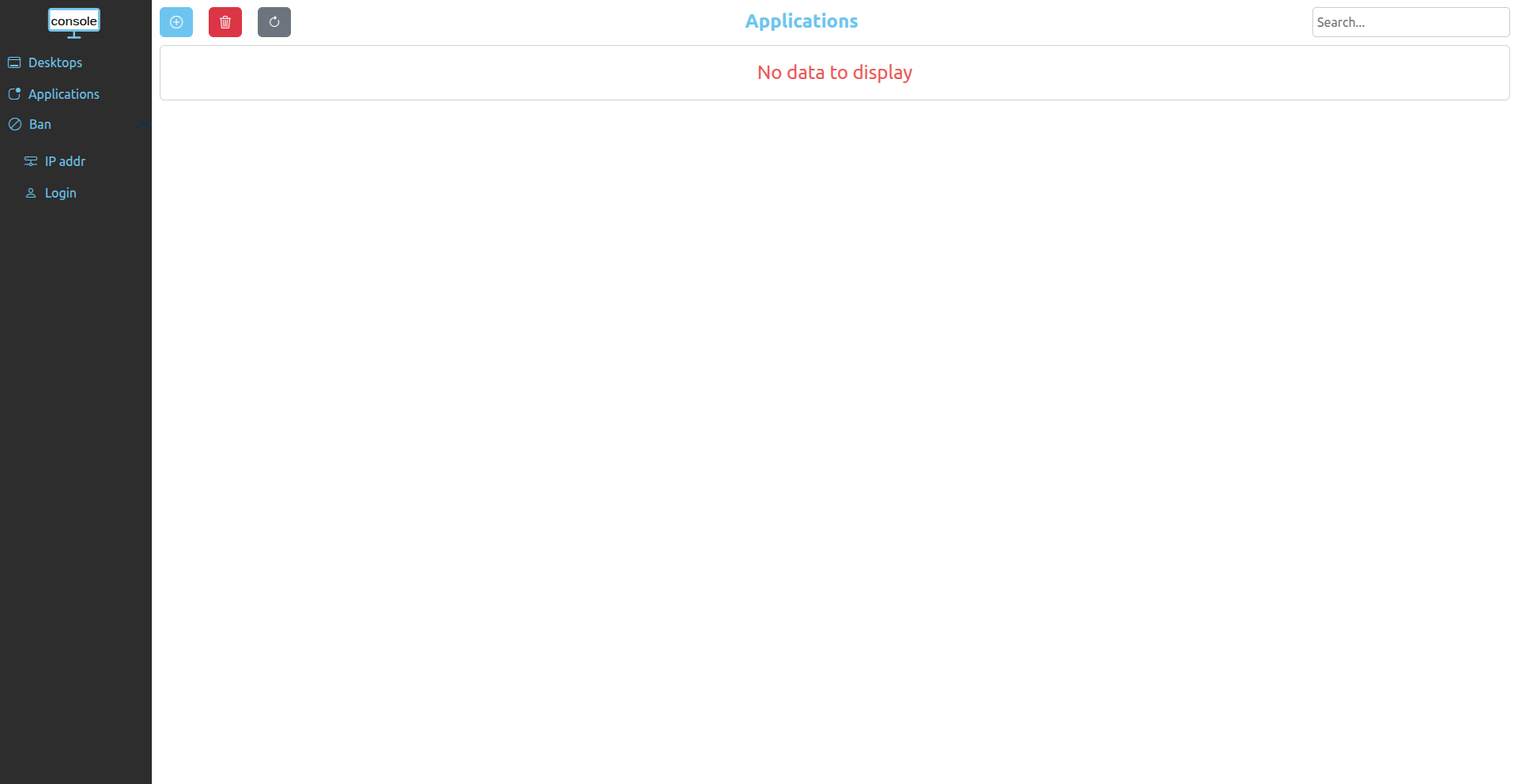
Adding an Application
On the Applications page, click the blue + button. Two options are available:
- Add from the application store — Browse and select applications from the curated store.
- Add from a JSON file — Import an application using an OCI image descriptor JSON file.
Adding from the Application Store
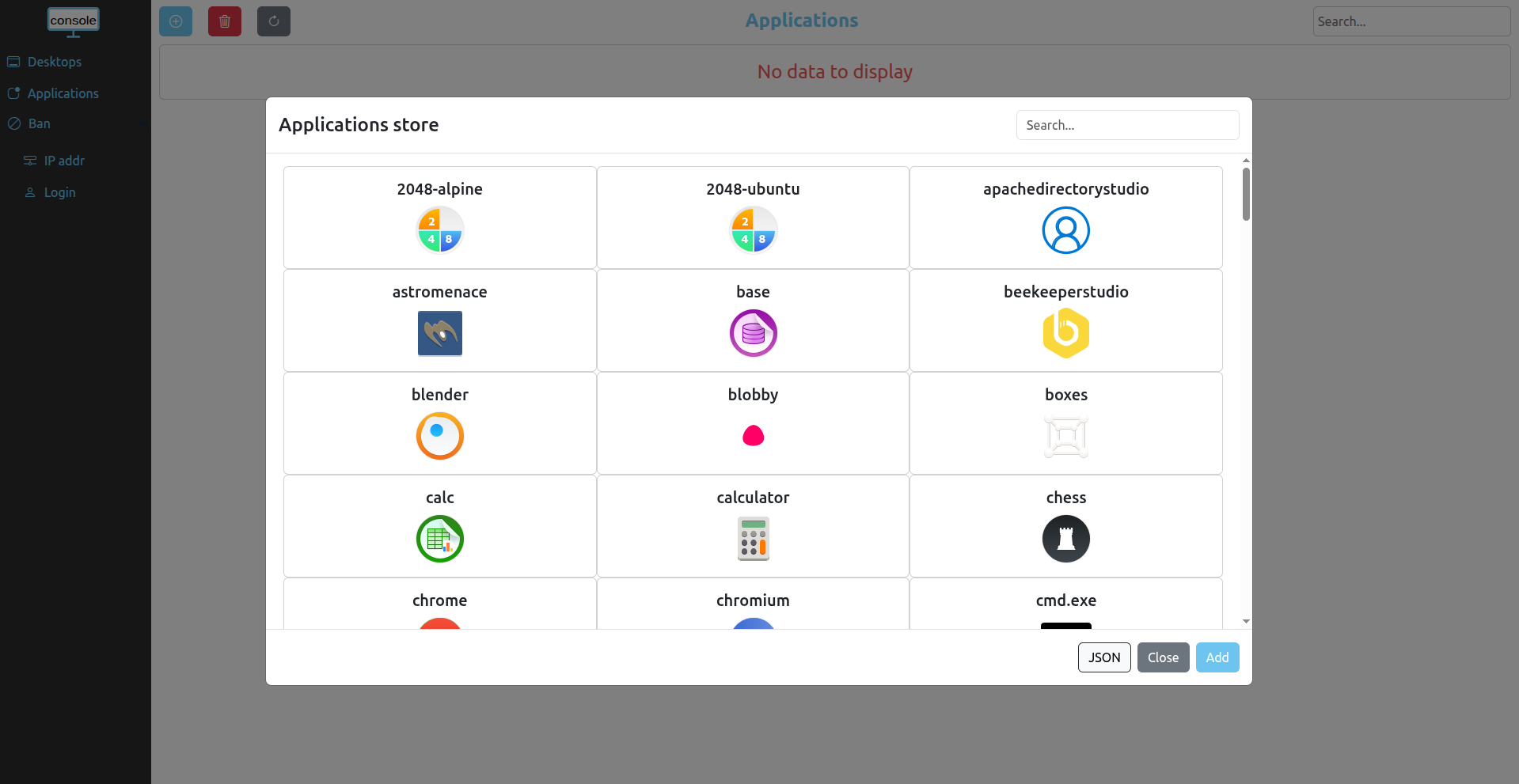
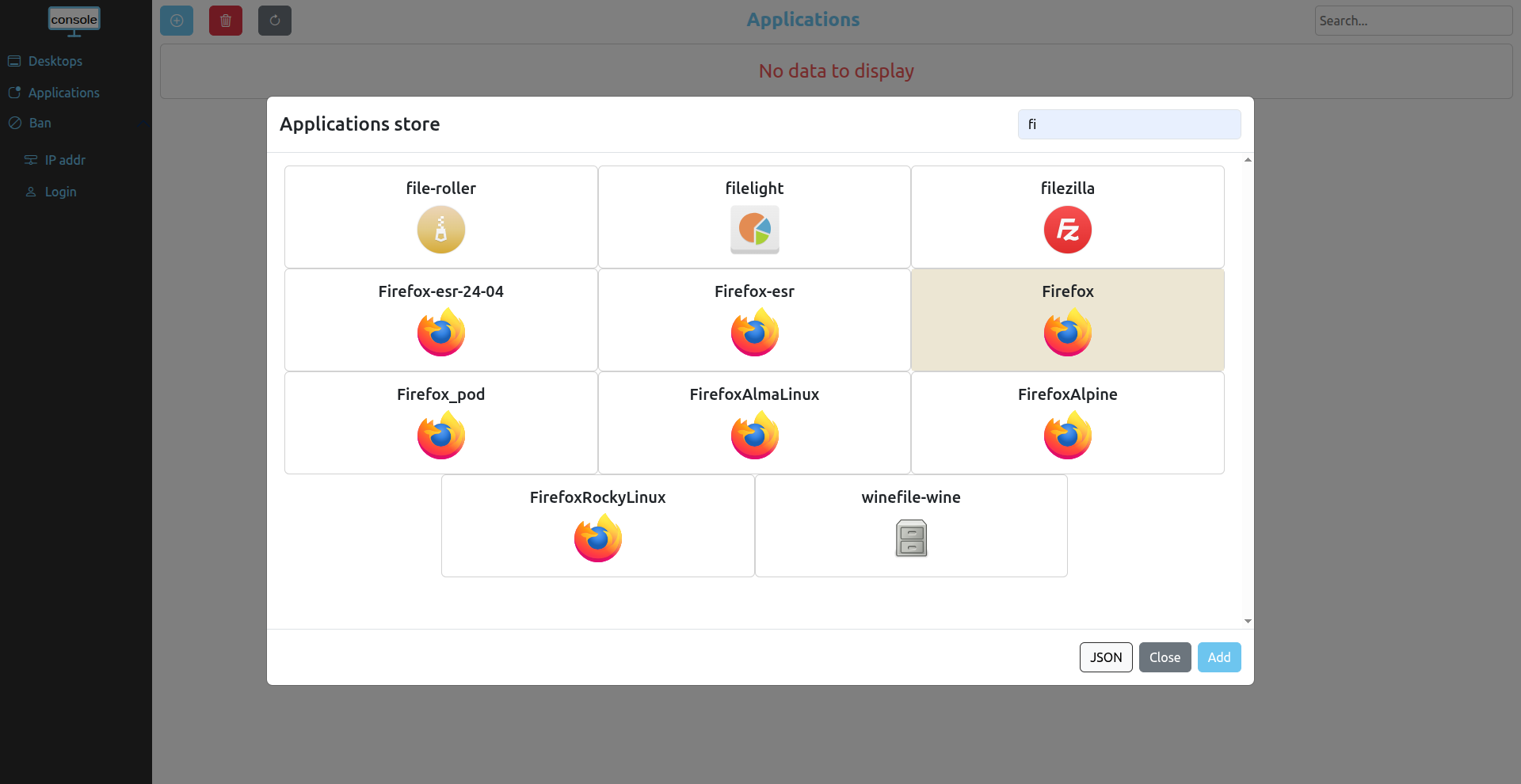
In the application store modal, browse the available applications. Click an application to select it — the background color changes to indicate selection. Then click the Add button to import the selected application into your abcdesktop.io instance.
Use the search bar in the top-right corner to filter applications by name.
Clicking the JSON button opens the JSON import modal, allowing you to add applications from a JSON descriptor file.
Adding from a JSON File
In the JSON import modal, either upload a JSON descriptor file or paste the raw JSON content directly into the text area.
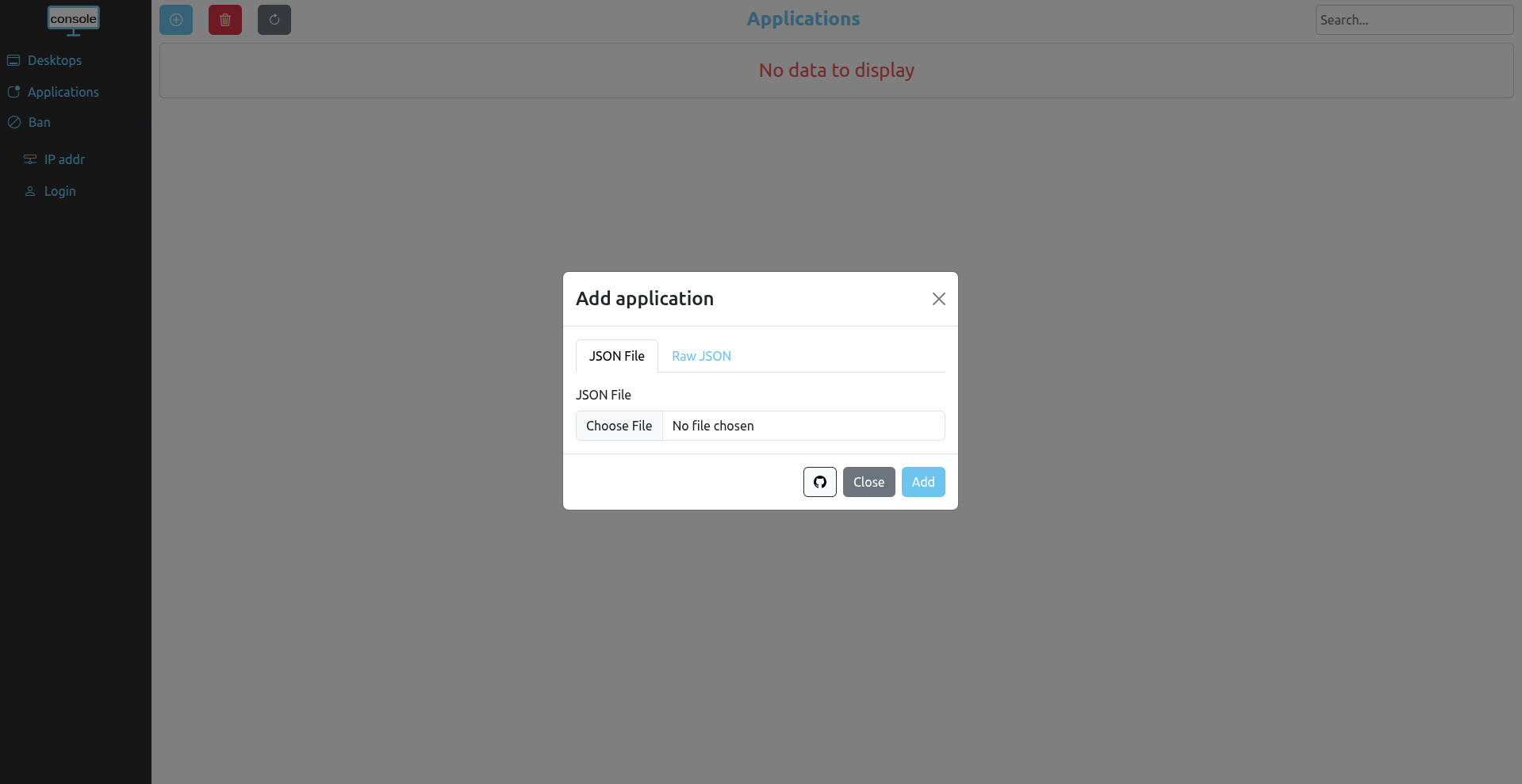
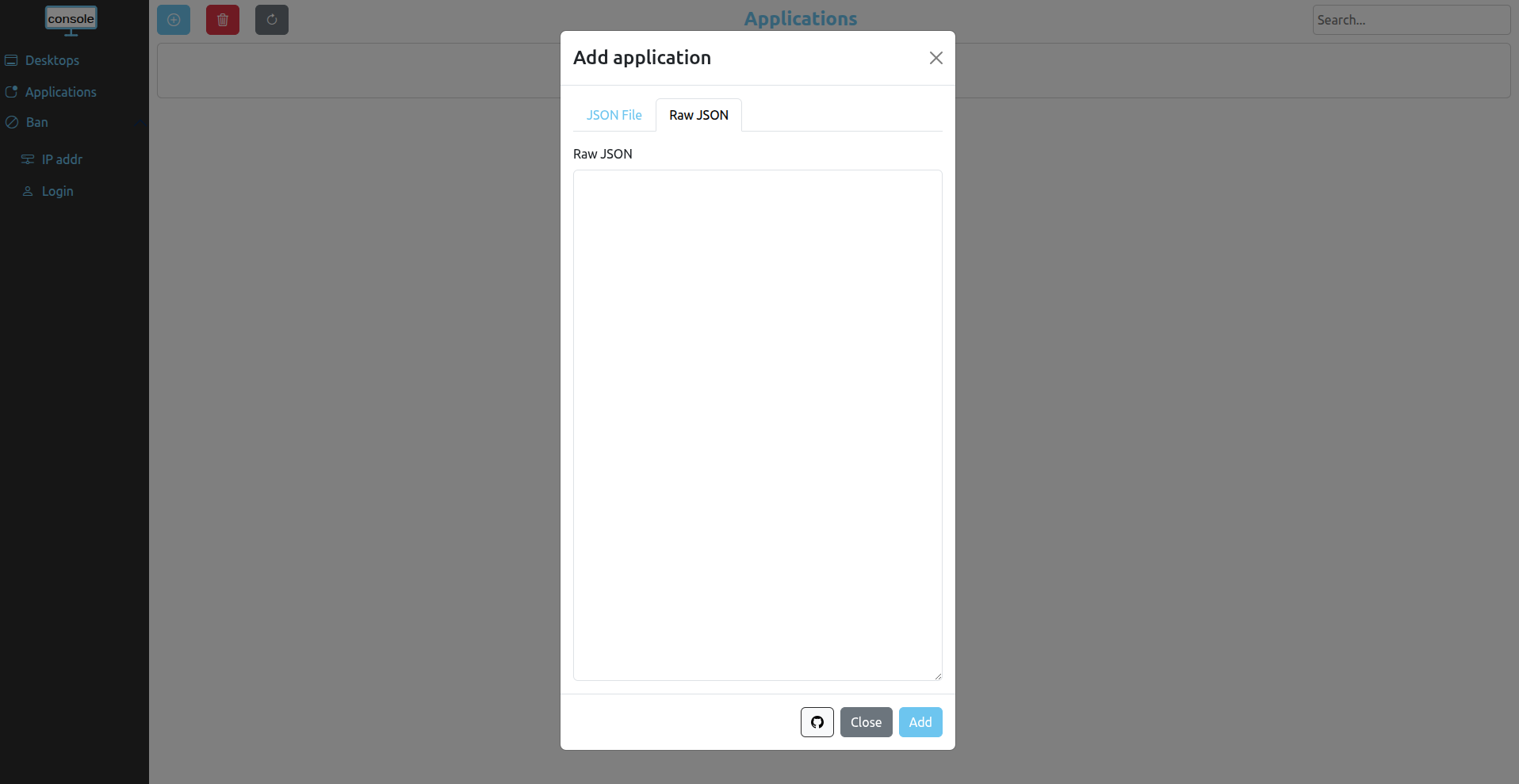
Clicking the GitHub button opens the abcdesktop.io application repository on GitHub, where you can find additional application descriptor files.
Removing Applications
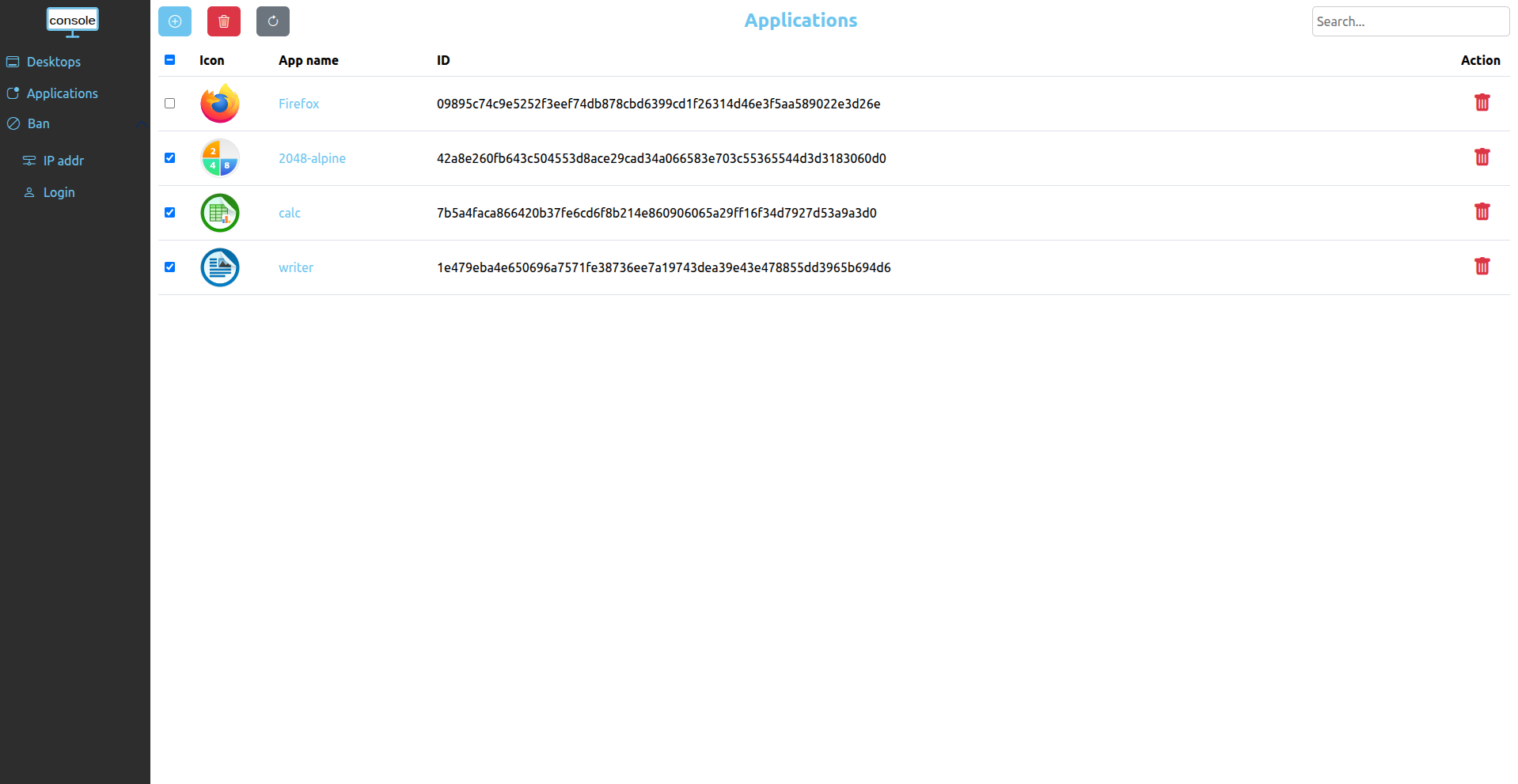
To remove a single application, click the red trash icon at the end of the corresponding row in the application table.
To remove multiple applications simultaneously, select the checkboxes for each application you want to delete, then click the red trash button above the table.
Viewing Application Details
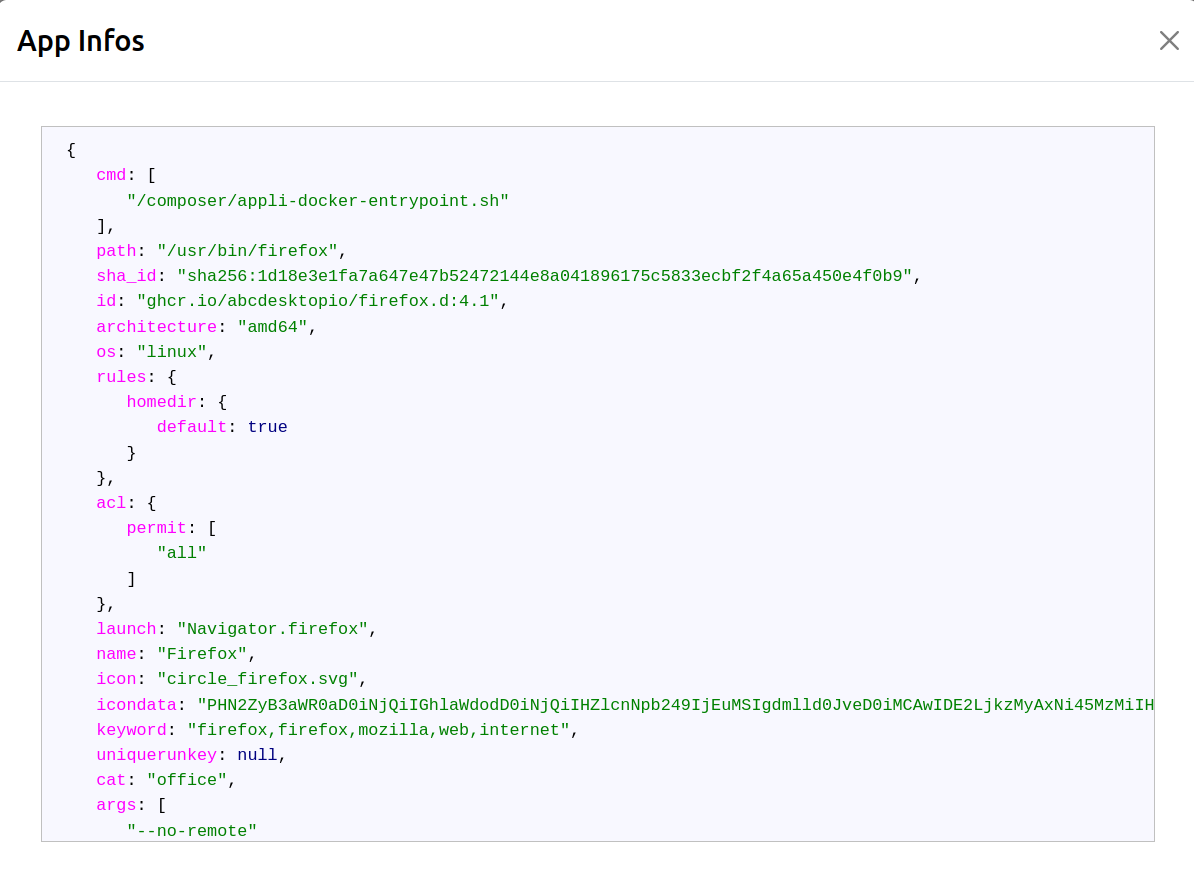
To inspect the full OCI metadata for an application, click the application name in the table. The complete JSON descriptor is displayed in a modal window.