Uninstall
Disable the network policies
To disable the network policies, run the following kubectl delete command:
kubectl delete -f https://raw.githubusercontent.com/abcdesktopio/conf/main/kubernetes/netpol-default-4.4.yaml
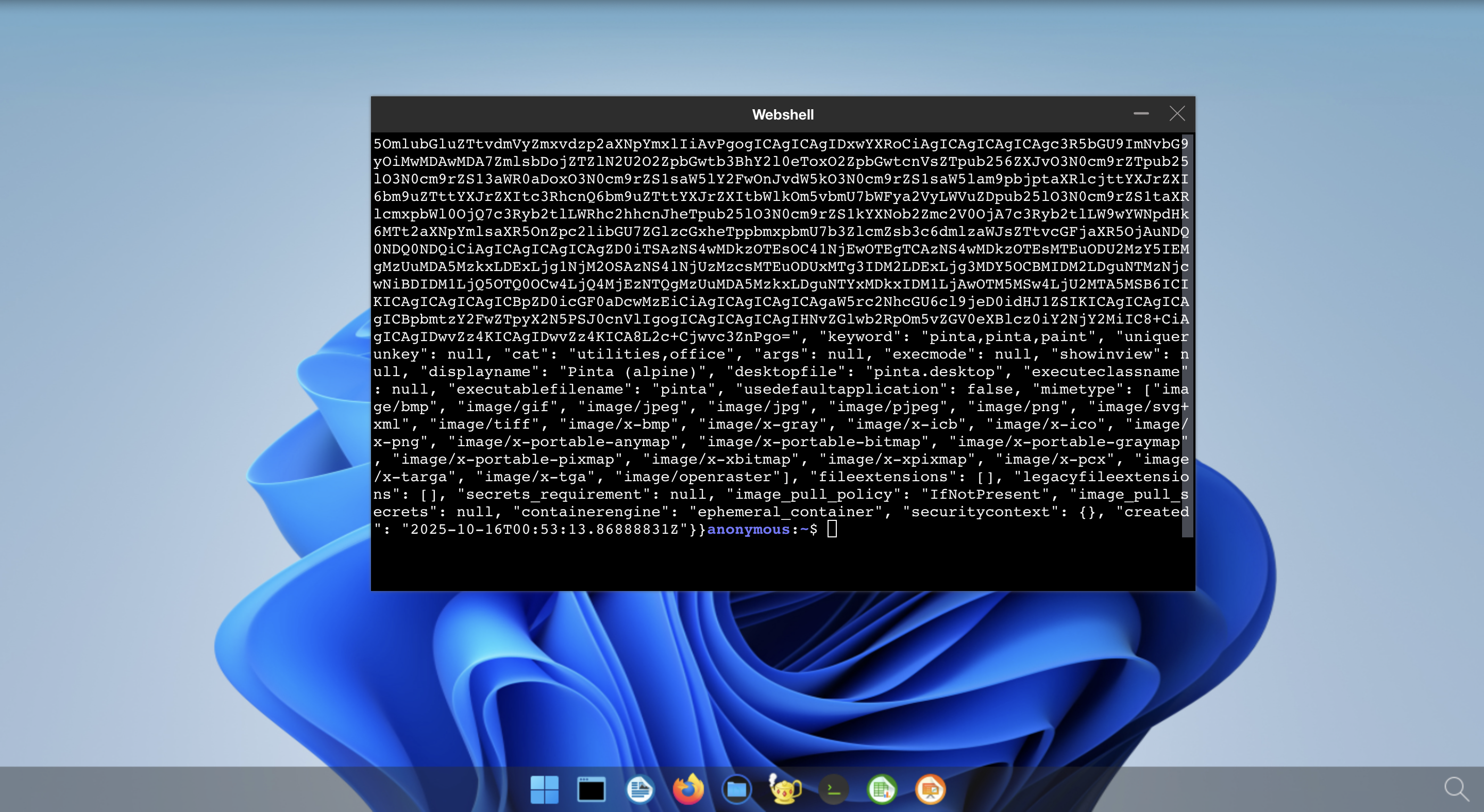
After removing the policies, log in to your abcdesktop instance and open the web shell to run the same curl command:
curl http://pyos.abcdesktop.svc.cluster.local:8000/API/manager/images
You should receive a JSON document as the HTTP response, confirming that network restrictions are no longer in effect.
You may need to update the netpol-default.yaml file to match your own environment's requirements.