Build a sample xeyes application from scratch
Goal: Build and register a new X11 application container (xeyes) with an abcdesktop.io instance from scratch.
Requirements
You need to have:
- A Kubernetes cluster with abcdesktop.io installed and running.
kubectlconfigured to communicate with your cluster.dockercommand-line tool installed.- Your own public or private container registry.
Create a simple application xeyes
To illustrate a minimal application integration, this guide walks through installing xeyes from the x11-apps package inside a container image and registering it with the platform.
- Create a Dockerfile to install the
xeyesapplication from thex11-appspackage
FROM ubuntu
RUN apt-get update && apt-get install -y --no-install-recommends x11-apps && apt-get clean
CMD ["/usr/bin/xeyes"]
This image is based on Ubuntu and installs the x11-apps package. The default command is set to /usr/bin/xeyes via the CMD instruction.
ENTRYPOINTis also supported.
- Build the image for the xeyes application
REGISTRY=abcdesktopio
docker build -t $REGISTRY/samplexeyes .
Replace the value of
REGISTRY=abcdesktopiowith your own registry name. If you do not have one, you can useabcdesktopio/samplexeyesas a read-only Docker Hub registry.
- Push the image to your registry (only if you have your own registry)
REGISTRY=abcdesktopio
docker push $REGISTRY/samplexeyes
- Inspect the image to create a JSON file
REGISTRY=abcdesktopio
docker inspect $REGISTRY/samplexeyes:latest > samplexeyes.json
- Send the image to the abcdesktop pyos instance
The following commands retrieve the PYOS_POD_NAME, copy the samplexeyes.json file to the /tmp directory inside the pyos pod, and submit it to the REST API server.
NAMESPACE=abcdesktop
PYOS_POD_NAME=$(kubectl get pods -l run=pyos-od -o jsonpath={.items..metadata.name} -n "$NAMESPACE" | awk '{print $1}')
kubectl cp samplexeyes.json $PYOS_POD_NAME:/tmp -n $NAMESPACE
kubectl exec -i $PYOS_POD_NAME -n abcdesktop -- curl -X POST -H 'Content-Type: text/javascript' http://localhost:8000/API/manager/image -d @/tmp/samplexeyes.json
The image endpoint returns a JSON document
[{"cmd": ["/usr/bin/xeyes"], "path": null, "sha_id": "sha256:f13075e3caceccf5818f9d3b0bdd231b2d800850eb9c81d2906704ec633372c7", "id": "abcdesktopio/samplexeyes:latest", "architecture": "amd64", "os": "linux", "rules": {}, "acl": {"permit": ["all"]}, "launch": "xeyes", "name": "xeyes", "icon": "xeyes", "icondata": "PHN2ZyB2ZXJzaW9uPSIxLjEiIHZpZXdCb3g9IjAgMCA2NCA2NCIgeG1sbnM9Imh0dHA6Ly93d3cudzMub3JnLzIwMDAvc3ZnIiB4bWxuczp4bGluaz0iaHR0cDovL3d3dy53My5vcmcvMTk5OS94bGluayI+PHJlY3Qgd2lkdGg9IjEwMCUiIGhlaWdodD0iMTAwJSIgZmlsbD0id2hpdGUiLz48dGV4dCB4PSIwIiB5PSIzMiIgZmlsbD0iYmxhY2siPnhleWVzPC90ZXh0Pjwvc3ZnPg==", "keyword": null, "uniquerunkey": null, "cat": null, "args": null, "execmode": null, "showinview": null, "displayname": "xeyes", "desktopfile": null, "executeclassname": null, "executablefilename": "xeyes", "usedefaultapplication": false, "mimetype": [], "fileextensions": [], "legacyfileextensions": [], "secrets_requirement": null, "i100 4670 100 1115 100 3555 41296 128k --:--:-- --:--:-- --:--:-- 168ke": "ephemeral_container", "securitycontext": {}, "created": "2025-02-03T15:45:36.493950688Z"}]
Execute the new application xeyes
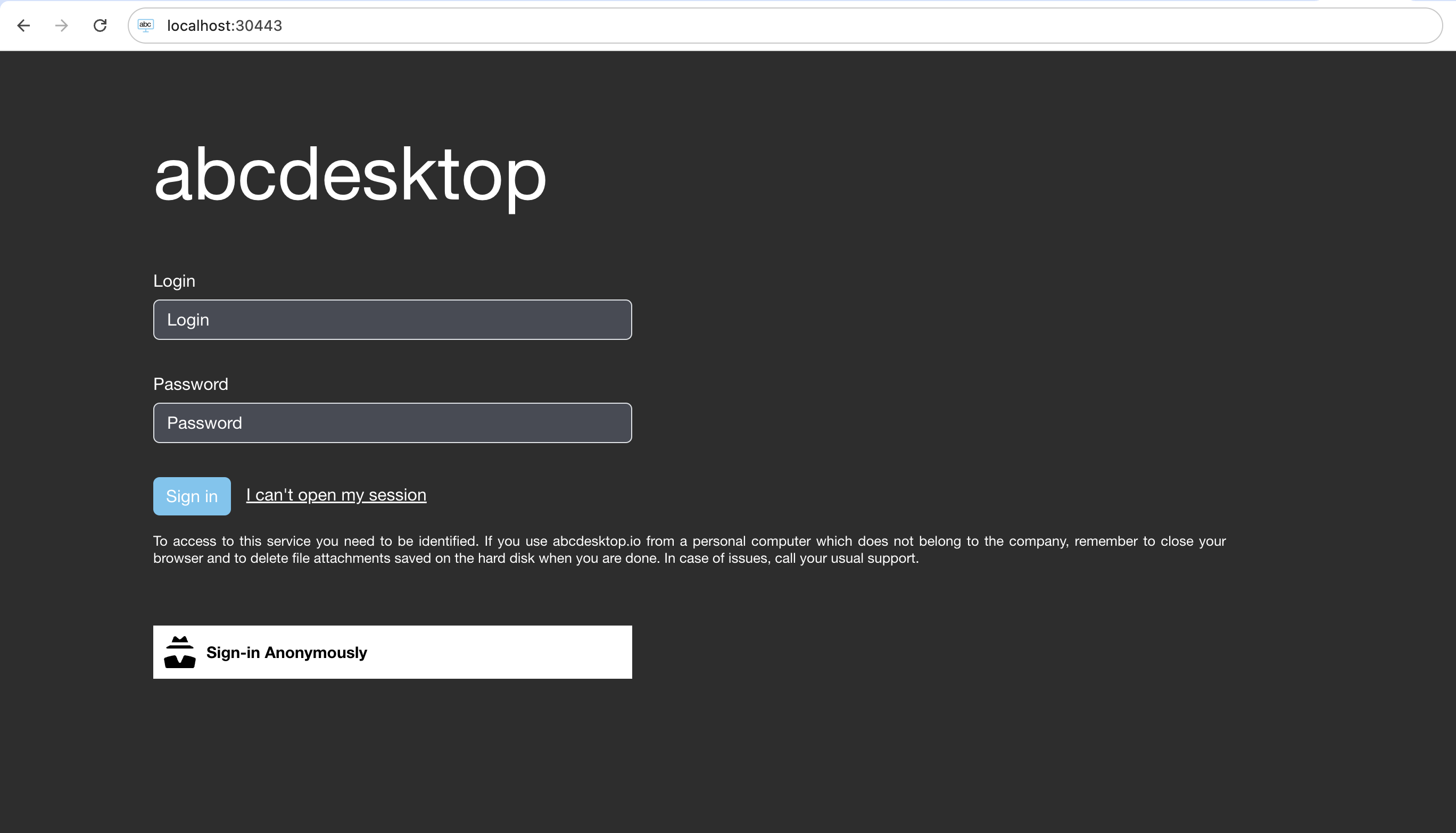
- Open your web browser, navigate to your abcdesktop URL, and log in to create a desktop
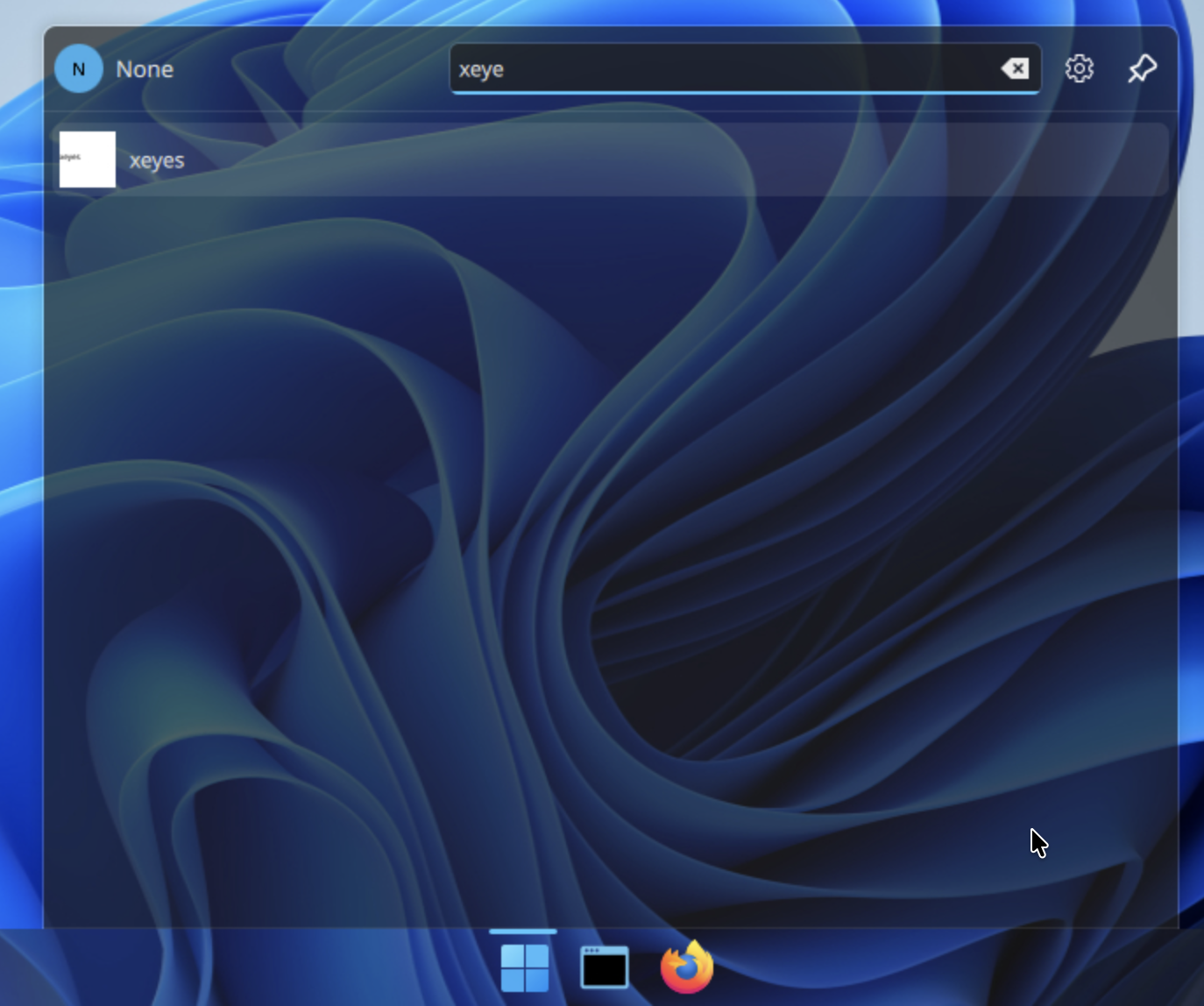
- Search for the newly registered
xeyesapplication
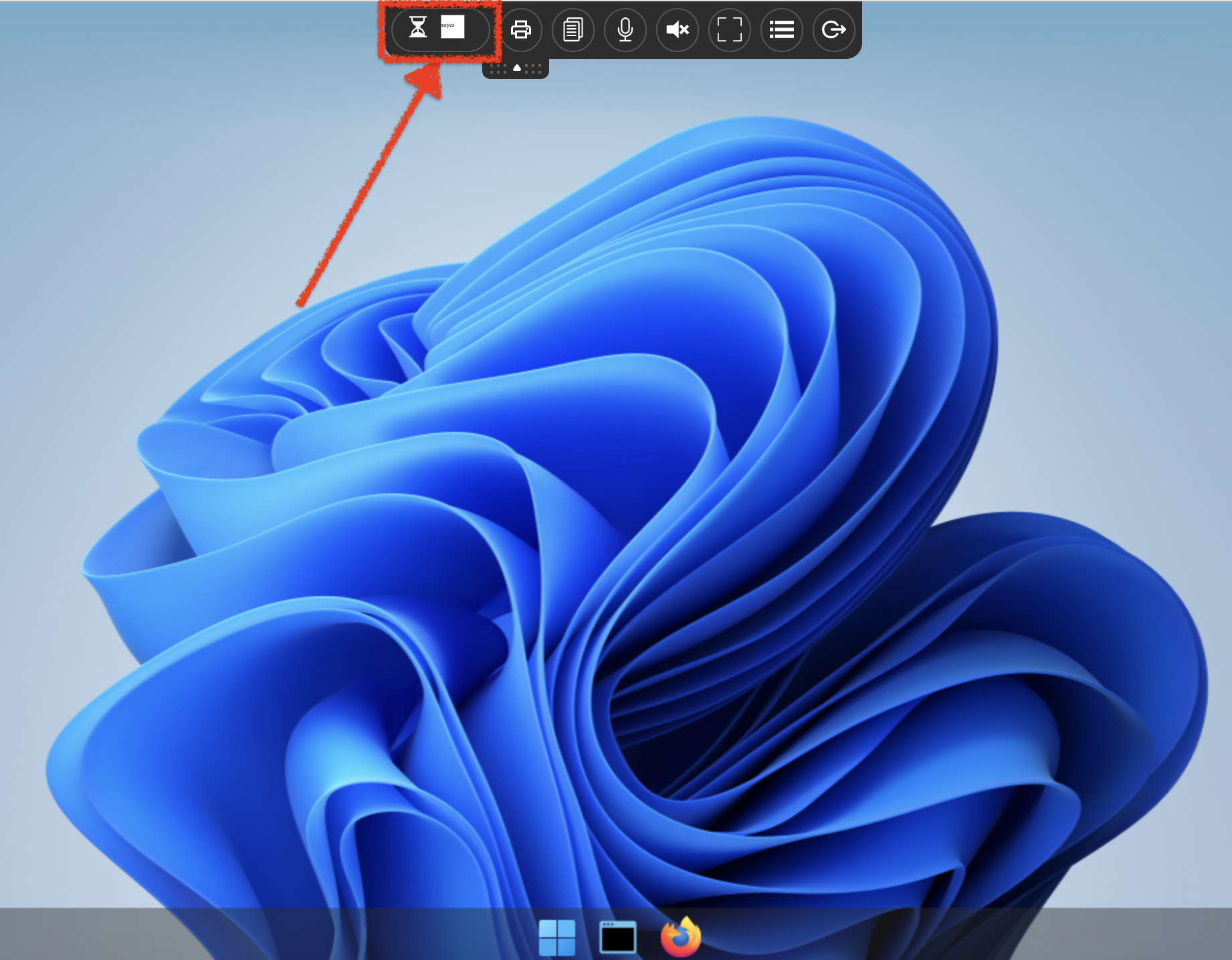
- Launch the
xeyesapplication — an hourglass indicator will appear while the container image is being pulled
Wait for the image pull to complete.
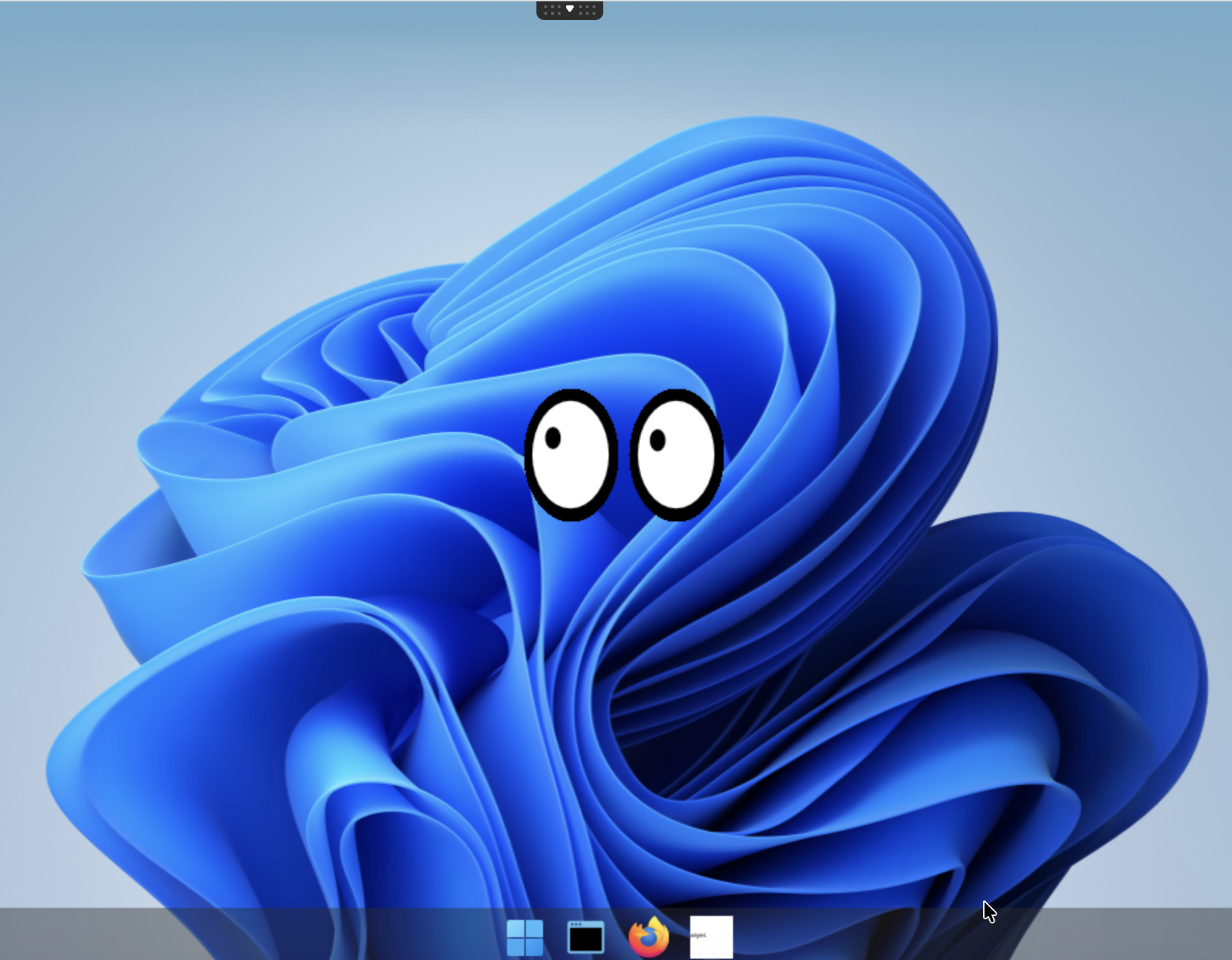
The
xeyesapplication is running as an ephemeral container inside the user pod.
Read the pod description
Retrieve the name of the user's pod:
kubectl get pods -l type=x11server -n abcdesktop
NAME        READY   STATUS    RESTARTS   AGE
fry-3f4d7   4/4     Running   0          104s
Retrieve the pod description:
kubectl describe pods fry-3f4d7 -n abcdesktop
The Ephemeral Containers section lists the running xeyes application container:
Ephemeral Containers:
  philip-j--fry-xeyes-7a308:
    Container ID:  containerd://13df5fd38966a9cc10d1c2c1a4dc4b4e816100cfa17b1062b5ecf09f6a69e5b0
    Image:         abcdesktopio/samplexeyes:latest
    Image ID:      docker.io/abcdesktopio/samplexeyes@sha256:54315f9a28fb47e89ec15a9017872e1b2ccc83a1d9d4ac5efd814f86f5877276
    Port:          <none>
    Host Port:     <none>
    Command:
      /usr/bin/xeyes
    State:          Running
      Started:      Mon, 06 Apr 2026 15:21:22 +0200
    Ready:          False
    Restart Count:  0
    Environment:
      X11LISTEN:                                 tcp
      WEBSOCKIFY_HEARTBEAT:                      30
      DISABLE_REMOTEIP_FILTERING:                enabled
      ABCDESKTOP_DESKTOPTHEME:                   ubuntu
      XDG_RUNTIME_DIR:                           /tmp/runtime
      ABCDESKTOP_FORCE_OVERWRITE_PLASMA_CONFIG:  true
      DISABLE_RTKIT:                             y
      DISPLAY:                                   :0.0
      CONTAINER_IP_ADDR:                         10.244.0.172
      XAUTH_KEY:                                 6a458e2b822a6697058af776fa7f54
      BROADCAST_COOKIE:                          febdcd691855e0374e56a54872b422fc0ef3d97daaefb836
      PULSEAUDIO_COOKIE:                         328b1dd95e7675f80276eb36f43a4629
      PULSE_SERVER:                              /tmp/.pulse.sock
      CUPS_SERVER:                               10.244.0.172:631
      UNIQUERUNKEY:                              None
      HOME:                                      /home/fry
      LOGNAME:                                   fry
      USER:                                      fry
      LANGUAGE:                                  en_US
      LANG:                                      en_US.UTF-8
      LC_ALL:                                    en_US.UTF-8
      PARENT_ID:                                 fry-3f4d7
      PARENT_HOSTNAME:                           koumoula
      APP:                                       None
      TZ:                                        Europe/Paris
      SAMPLEENV:                                 samplevalue
      NODE_NAME:                                  (v1:spec.nodeName)
      POD_NAME:                                  fry-3f4d7 (v1:metadata.name)
      POD_NAMESPACE:                             abcdesktop (v1:metadata.namespace)
      POD_IP:                                     (v1:status.podIP)
      ABCDESKTOP_EXECUTE_RUNTIME:                ephemeral_container
      ABCDESKTOP_EXECUTE_RESOURCES:              {"claims": null, "limits": null, "requests": null}
    Mounts:
      /etc/sudoers.d from sudoers (rw)
      /home/fry from home (rw)
      /home/fry/.cache from cache (rw)
      /home/fry/.config from config (rw)
      /home/fry/.local from local (rw)
      /mnt/testmyproject from hostpath-mntmyproject-fry (rw)
      /run/user/ from runuser (rw)
      /tmp from tmp (rw)
      /tmp/.X11-unix from x11socket (rw)
      /var/lib/extrausers from auth-localaccount-fry (rw)
      /var/log/desktop from log (rw)
      /var/run/dbus from rundbus (rw)
      /var/run/desktop from run (rw)
You have successfully built, registered, and launched a new application on abcdesktop.io.