title: Authentication Configuration Overview | abcdesktop.io description: Overview of authentication configuration in abcdesktop.io: manager types (implicit, explicit, external), provider chaining, and the od.config ConfigMap structure. keywords: authentication, overview, implicit, explicit, external, OAuth, LDAP, od.config, ConfigMap, abcdesktop, Kubernetes tags: - authentication
Authentication Overview
Configuration File
Authentication in abcdesktop.io is configured in the od.config file, which is stored as a Kubernetes ConfigMap. This section requires modifying the od.config configuration file. Refer to Updating the Configuration File for the procedure to apply changes in a Kubernetes cluster.
The authmanagers Dictionary
The authmanagers object is the root authentication configuration dictionary:
authmanagers: {
  'external': {},
  'explicit': {},
  'implicit': {}}
The od.config file supports four authmanagers entry types:
external— OAuth 2.0 / OpenID Connect authentication (Google, GitHub, Facebook, and other OIDC providers)explicit— Directory service authentication via LDAP, LDAPS, or Microsoft Active Directorymetaexplicit— Microsoft Active Directory cross-domain and cross-forest trust authentication, with support for Foreign Security Principals (FSPs)implicit— Anonymous (always-allow) authentication and SSL/TLS client certificate authentication
Authentication Manager Reference
authmanagers Type |
Description |
|---|---|
external |
OAuth 2.0 / OpenID Connect authentication |
metaexplicit |
Microsoft Active Directory cross-domain trust authentication with Foreign Security Principal and Special Identity support |
explicit |
LDAP, LDAPS, Active Directory, and Kerberos authentication |
implicit |
Anonymous, always-allow, and SSL/TLS client certificate authentication |
Prerequisites
Before configuring authentication, read:
- Updating the Configuration File — Learn how to apply
od.configchanges in a Kubernetes cluster.
Configuring the authmanagers Dictionary
Edit the od.config file and initialize the authmanagers dictionary with empty provider entries for all manager types:
authmanagers: {
  'external': {},
  'explicit': {},
  'implicit': {}}
JSON Dictionary Syntax
When defining a dictionary, the closing `}` must appear on the same line as the last entry. Example:
authmanagers: {
  'external': {},
  'explicit': {},
  'implicit': {}}
To apply the changes, recreate the abcdesktop-config ConfigMap and restart the pyos deployment:
kubectl create -n abcdesktop configmap abcdesktop-config --from-file=od.config  -o yaml --dry-run | kubectl replace -n abcdesktop -f -
kubectl rollout restart deployment pyos-od -n abcdesktop
Open a web browser and navigate to http://localhost:30443:
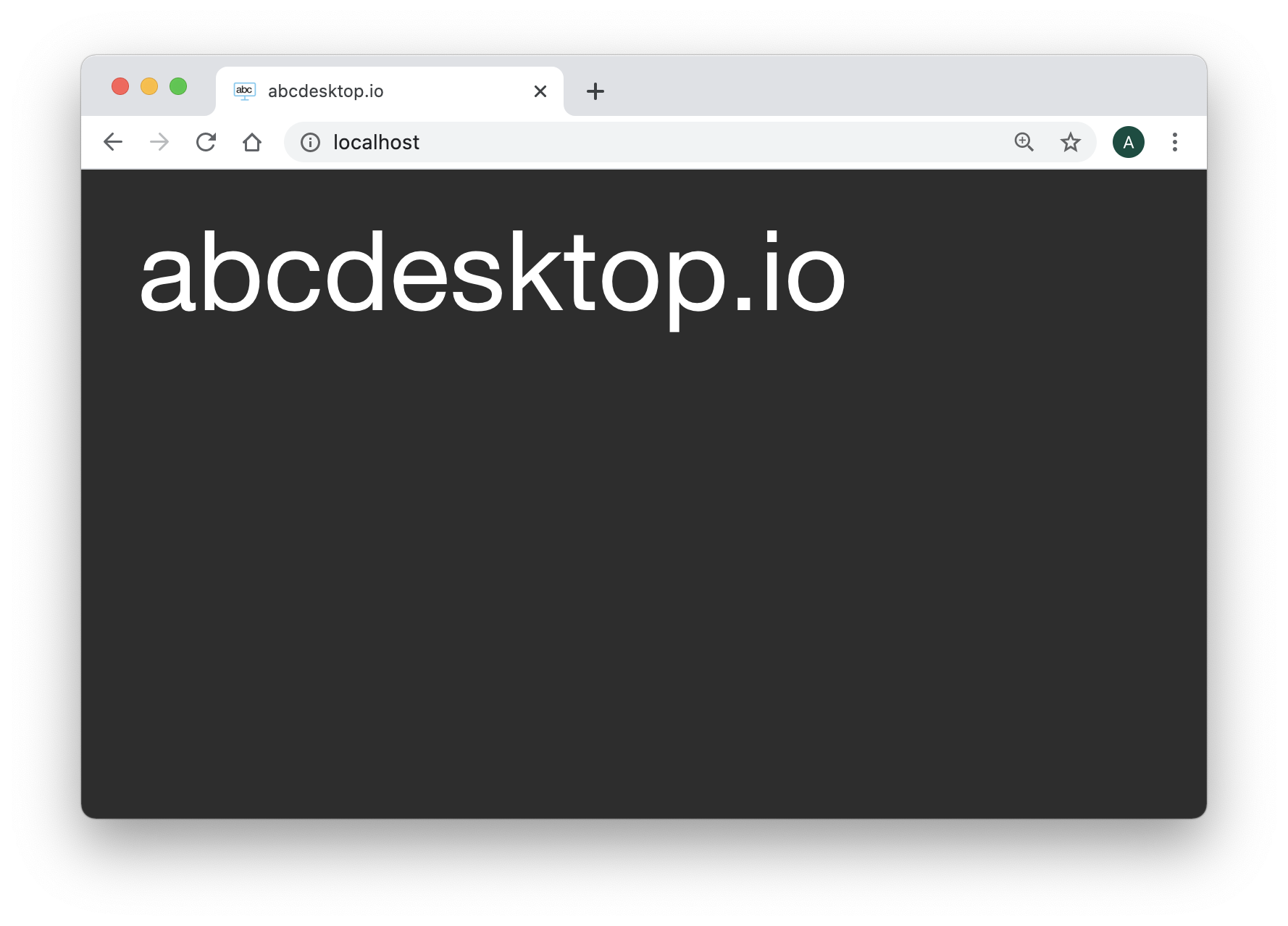
The login page displays no authentication providers until at least one provider is configured.
implicit Authentication
implicit is the simplest authentication mode. It grants anonymous, always-allow access without requiring user credentials.
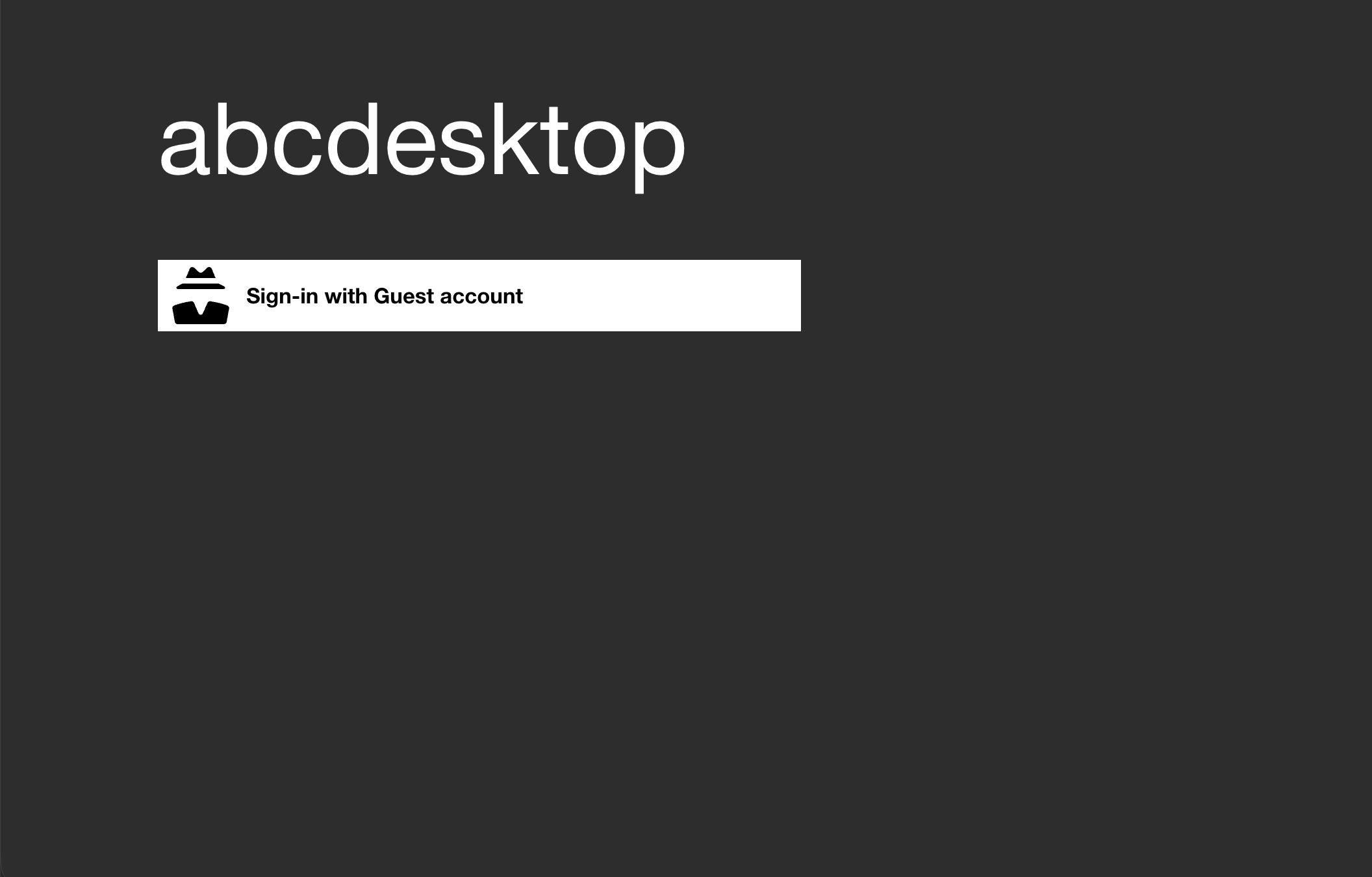
See Authentication: implicit for configuration details.
explicit Authentication
explicit authentication integrates with directory services such as LDAP, LDAPS, and Microsoft Active Directory. Users authenticate by providing a username and password, which are validated against the configured directory server.
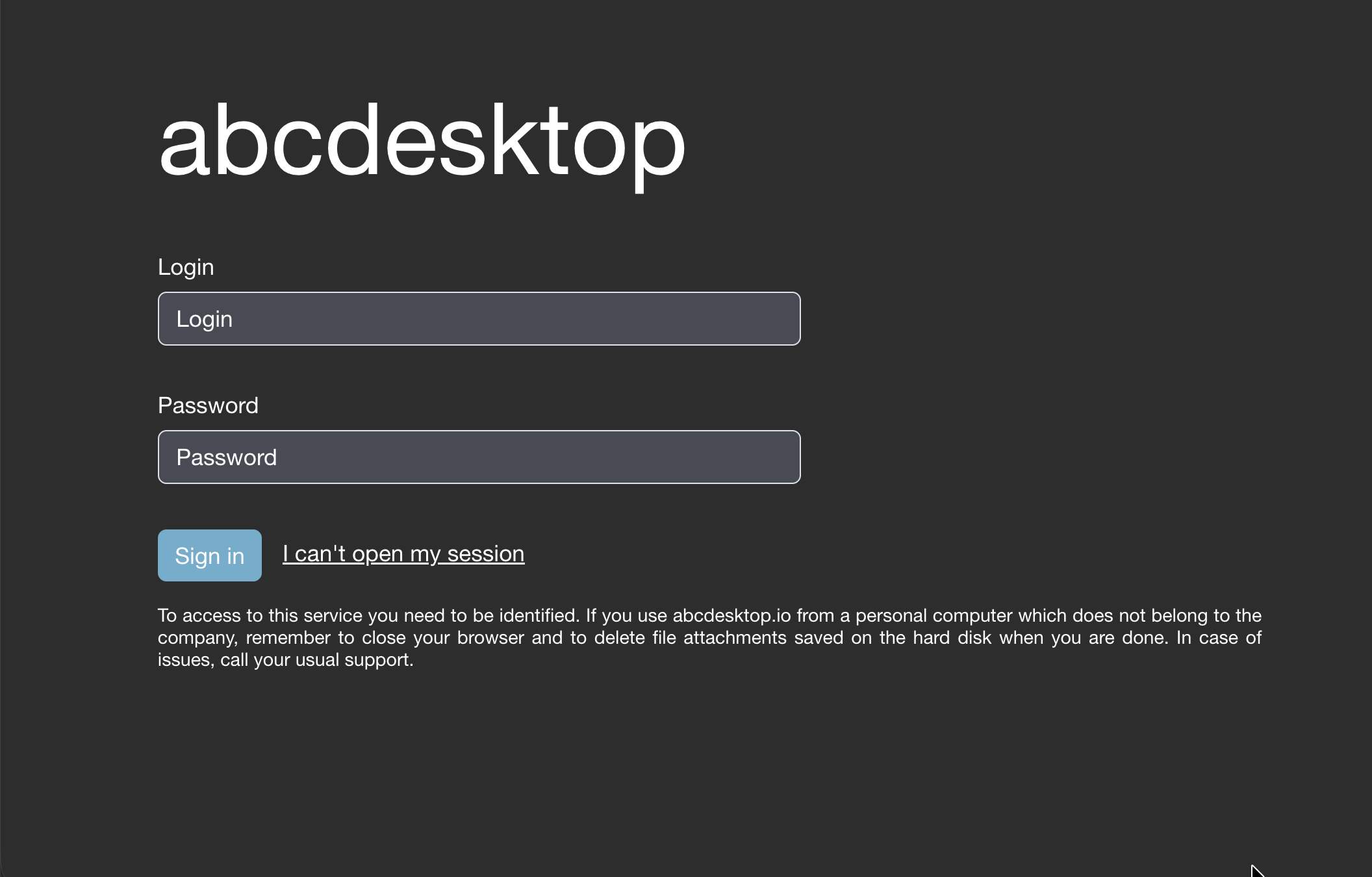
See Authentication: explicit for configuration details.
metaexplicit Authentication
The metaexplicit authentication manager enables authentication across multiple Active Directory domains or forests through trust relationships. It reads the user's domain from a metadirectory attribute and delegates authentication to the user's home domain. This provider supports Foreign Security Principals (FSPs) and Special Identities.
See Authentication: metaexplicit for configuration details.
external Authentication
external authentication delegates to external OAuth 2.0 providers, including Google OAuth 2.0, GitHub OAuth 2.0, Facebook, Orange, and any OIDC-compliant identity provider.
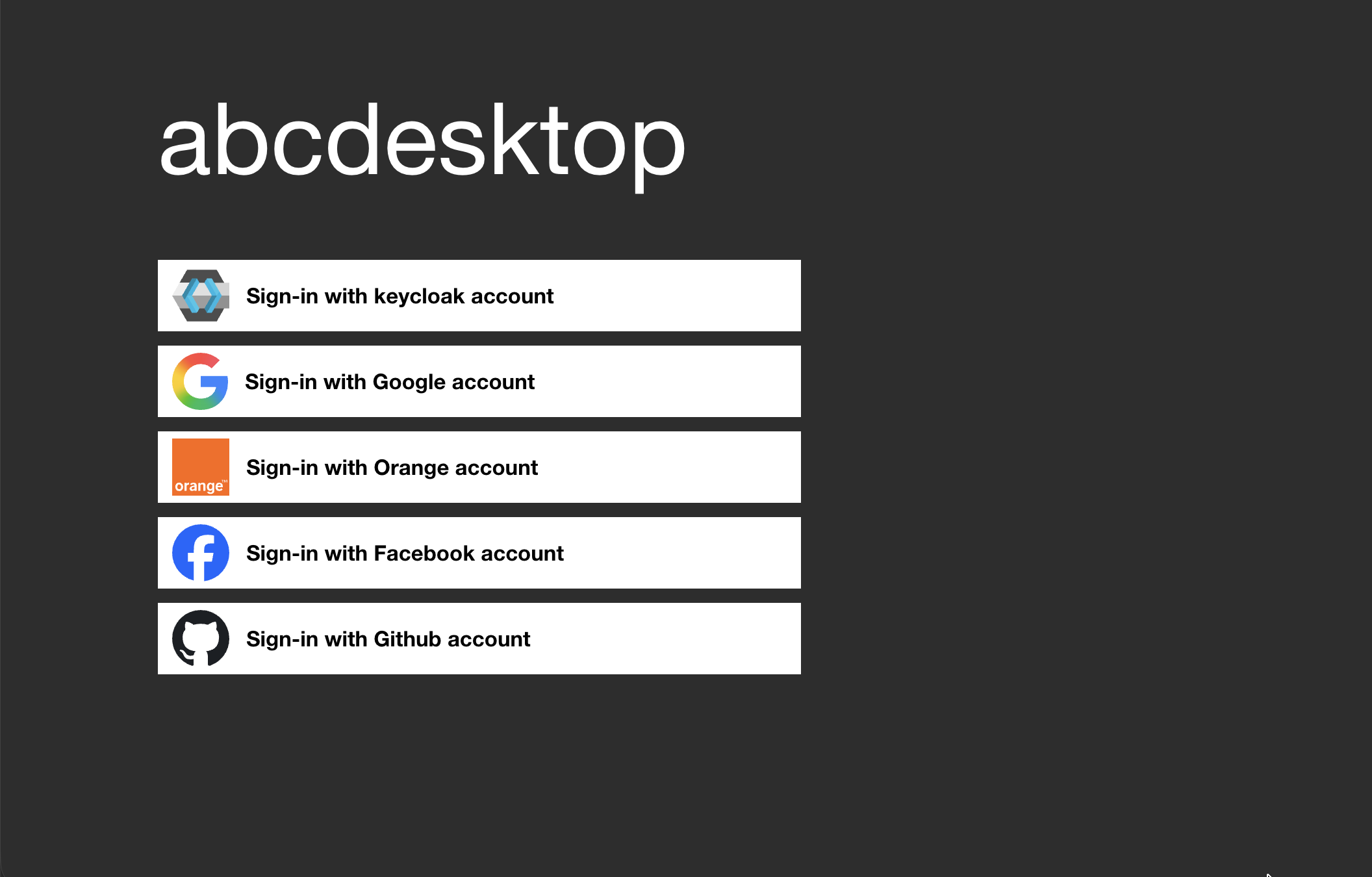
See Authentication: external for configuration details.
Combining Multiple Authentication Providers
abcdesktop.io supports combining external, explicit, and implicit providers in a single authmanagers dictionary. The login page renders a button or form for each configured provider.
Example of a combined configuration:
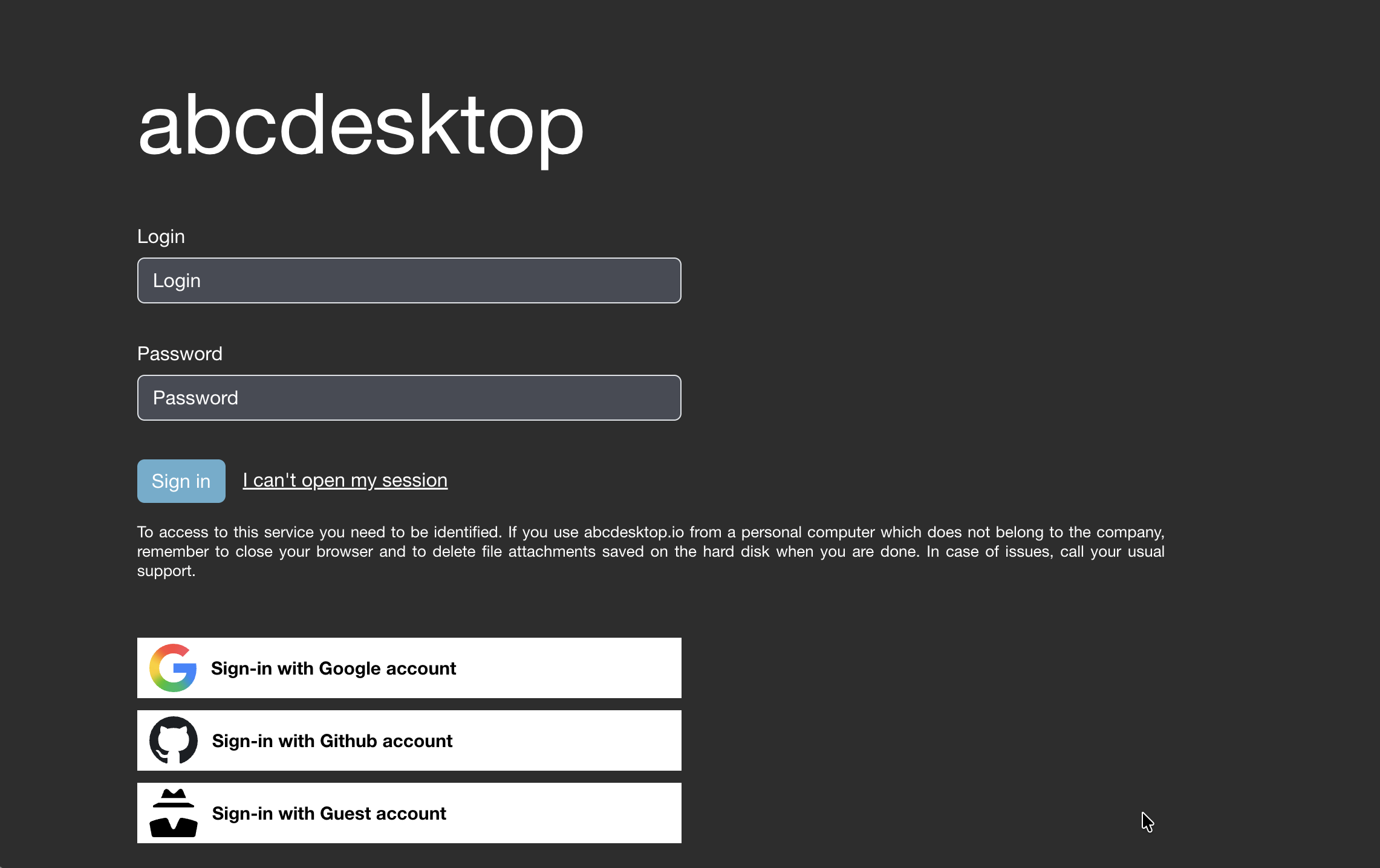
The following authmanagers configuration produces the combined login page shown above:
authmanagers: {
  'external': {
    'providers': {
      'google': {
        'icon': 'img/auth/google_icon.svg',
        'displayname': 'Google',
        'textcolor': '#000000',
        'backgroundcolor': '#FFFFFF',
        'enabled': True,
        'client_id': 'xxxx',
        'client_secret': 'xxxx',
        'userinfo_auth': True,
        'scope': [ 'https://www.googleapis.com/auth/userinfo.email',  'openid' ],
        'userinfo_url': 'https://www.googleapis.com/oauth2/v1/userinfo',