Authentication: explicit
Overview
The explicit authentication provider authenticates users against a directory service using an LDAP bind operation. The bind operation establishes an authorization identity that governs all subsequent LDAP operations on that connection. The explicit provider supports ldap, ldaps, and Microsoft Active Directory directory services.
Configuration Example: Microsoft Active Directory
'explicit': {
    'show_domains': True,
    'providers': {
      'AD': {
        'config_ref': 'adconfig',
        'enabled': True
       }
}
adconfig : { 'AD': {   'default'       : True,
                       'ldap_timeout'  : 15,
                       'ldap_protocol' : 'ldap',
                       'ldap_basedn'   : 'DC=ad,DC=domain,DC=local',
                       'ldap_fqdn'     : '_ldap._tcp.ad.domain.local',
                       'domain'        : 'AD',
                       'domain_fqdn': 'AD.DOMAIN.LOCAL',
                       'servers'    : [ '192.168.7.12' ],
                        'kerberos_realm': 'AD.DOMAIN.LOCAL',
                        'query_dcs' : True,
                        'wins_servers'  : [ '192.168.1.12' ],
                        'serviceaccount': { 'login': 'SVCACCOUNT', 'password': 'SVCACCOUNTPASSWORD' }
     }
}
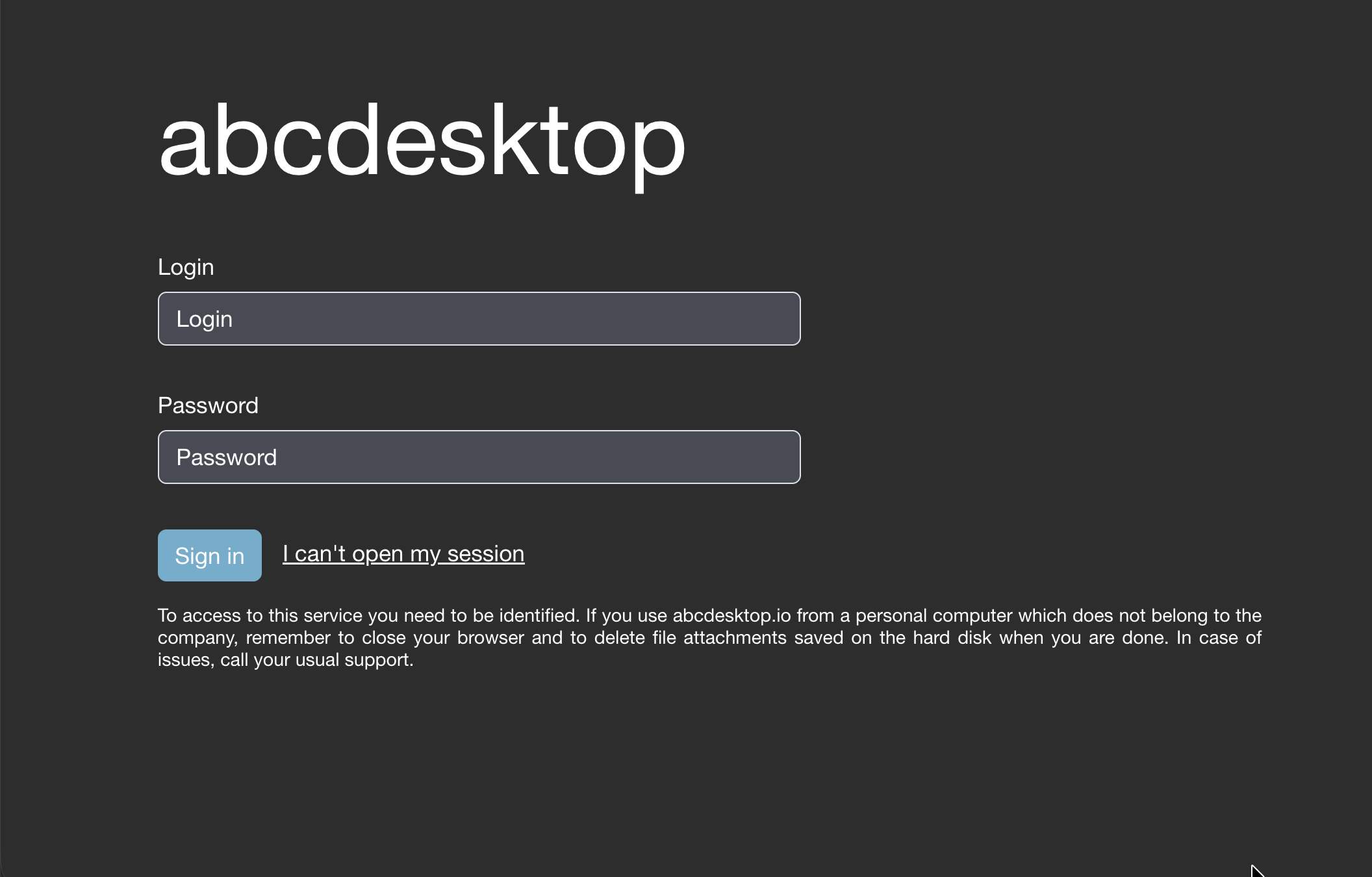
Login Page
When the explicit authentication manager is enabled, the web login page presents Login and Password input fields to collect user credentials.
LDAP Authentication
For detailed LDAP configuration instructions, see LDAP and LDAPS explicit authmanagers.
Microsoft Active Directory Authentication
Microsoft Active Directory is an LDAP-compatible directory service. Start by reading the LDAP configuration documentation, then refer to the Microsoft Active Directory explicit authmanagers page for AD-specific parameters.