FAQ: Ingress Controller
How to Expose a New Service with the NGINX Ingress Controller
A Kubernetes Ingress Controller acts as a reverse proxy and routes external HTTP(S) traffic to internal cluster services. This section describes how to use the nginx ingress controller to expose abcdesktop services.
In the Ingress resource, define a path that routes traffic to the abcdesktop nginx service:
apiVersion: networking.k8s.io/v1
kind: Ingress
metadata:
  name: ingress-demo
  namespace: abcdesktop
spec:
  rules:
    - host: demo.digital.pepins.net
      http:
        paths:
          - path: /
            pathType: Prefix
            backend:
              service:
                name: nginx
                port:
                  number: 80
  ingressClassName: nginx
Requests matching path: / are proxied to the service named nginx in the abcdesktop namespace.
How to Prevent the Connection from Closing After 60 Seconds of Inactivity
My desktop disconnects after 60 seconds of inactivity, and the message "Your abcdesktop session has been disconnected. Please reload this page" appears.
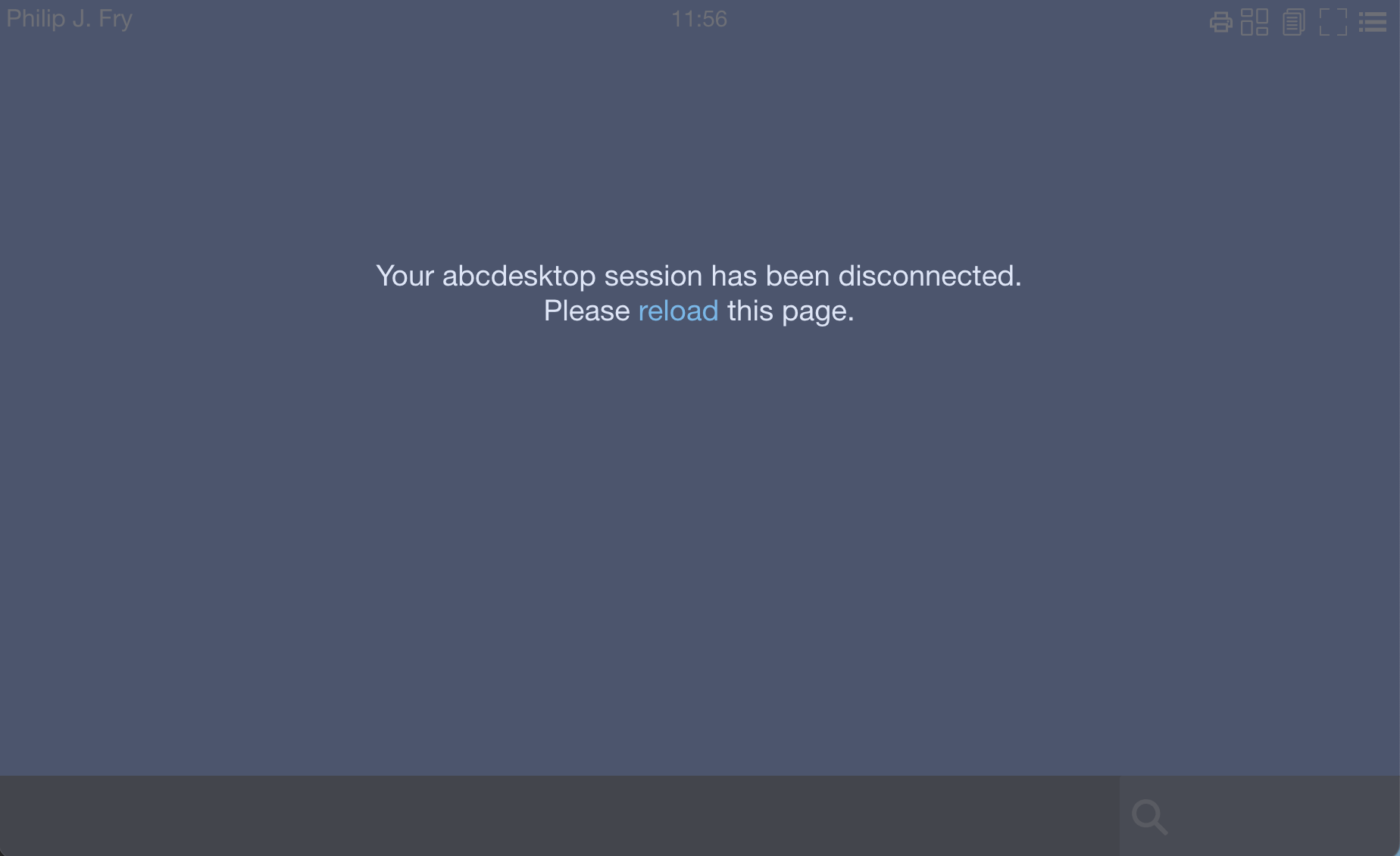
The message Your abcdesktop session has been disconnected. Please reload this page appears when the websockify WebSocket connection is closed due to inactivity.
Add a heartbeat value to send a ping to the client at a regular interval. Edit the od.config file and add 'WEBSOCKIFY_HEARTBEAT':'30' to the desktop.envlocal option:
desktop.envlocal: { 'WEBSOCKIFY_HEARTBEAT':'30', 'LIBOVERLAY_SCROLLBAR':'0', 'UBUNTU_MENUPROXY':'0', 'X11LISTEN':'tcp' }
With this setting, the /usr/bin/websockify process sends a WebSocket ping to the client every 30 seconds. This process runs inside the user's pod.
Update the abcdesktop-config ConfigMap:
kubectl create -n abcdesktop configmap abcdesktop-config --from-file=od.config -o yaml --dry-run=client | kubectl replace -n abcdesktop -f -
Restart the pyos pod:
kubectl delete pods -l run=pyos-od -n abcdesktop
For more information on WebSocket keepalive behavior, see Keepalive in WebSockets.
Configuring connection timeouts helps prevent unnecessary network bandwidth consumption from idle sessions.
How to Prevent the Connection from Closing After 60 Seconds of Inactivity with an NGINX Ingress Controller
My desktop disconnects after 60 seconds of inactivity, and the message Your abcdesktop session has been disconnected. Please reload this page appears.
To prevent the connection from closing when routing through an Ingress Controller, ensure that the Ingress Controller is not configured to automatically terminate long-lived connections. The default timeout for the NGINX ingress controller is 60 seconds.
Update the nginx.ingress.kubernetes.io/proxy-read-timeout and nginx.ingress.kubernetes.io/proxy-send-timeout annotations to a value greater than 60 seconds:
apiVersion: networking.k8s.io/v1
kind: Ingress
metadata:
  name: ingress-demo
  namespace: abcdesktop
  annotations:
    nginx.ingress.kubernetes.io/proxy-read-timeout: "3600"
    nginx.ingress.kubernetes.io/proxy-send-timeout: "3600"
spec:
  rules:
    - host: demo.digital.pepins.net
      http:
        paths:
          - path: /
            pathType: Prefix
            backend:
              service:
                name: nginx
                port:
                  number: 80
  ingressClassName: nginx