Mozilla Firefox Clipboard Extension
Install the Firefox Extension
Download the Mozilla Firefox Clipboard Extension for abcdesktop
-
Download the Firefox clipboard extension abcdesktop_clipboard_helper.xpi and click the
Continue to Installationbutton.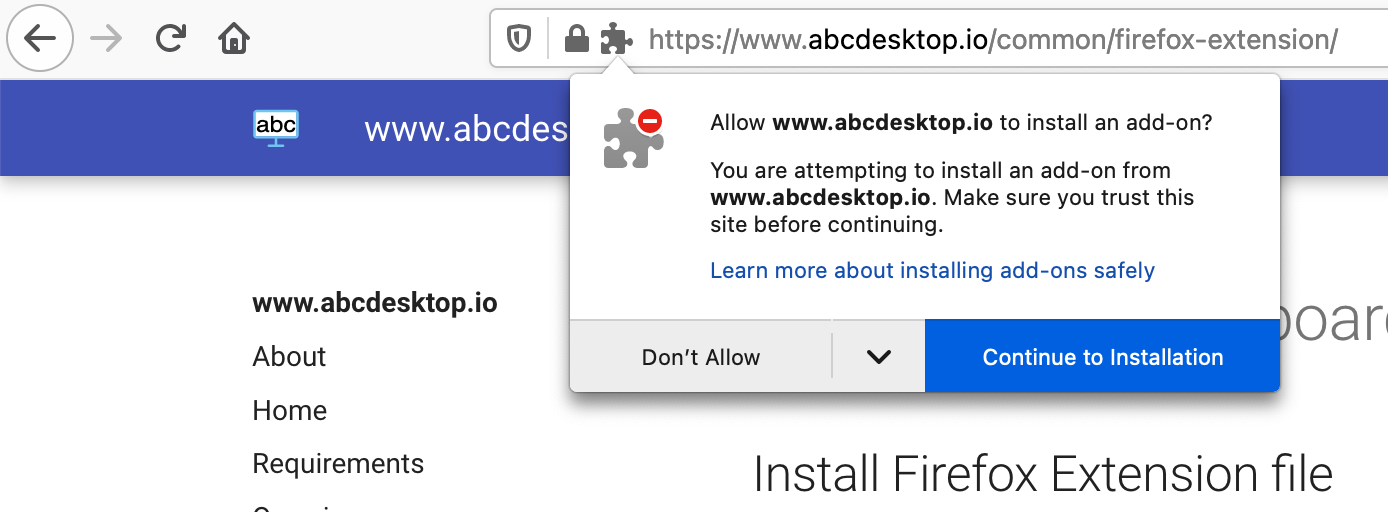
-
Select
Addwhen prompted withAdd abcdesktop Clipboard Helper?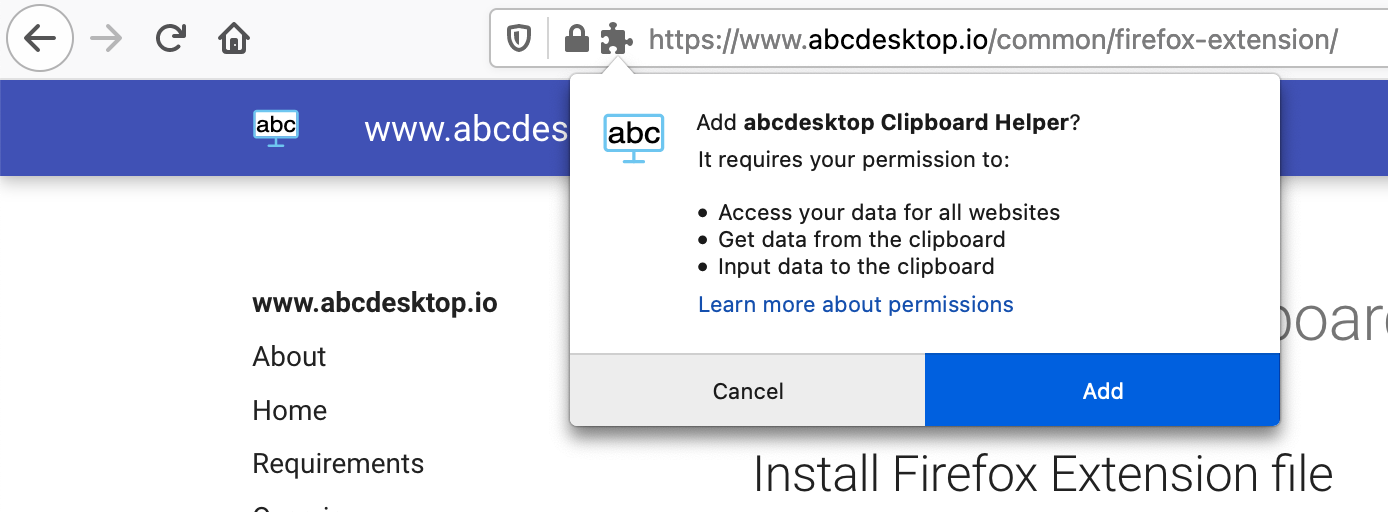
-
Click
OKay, Got itto confirm the installation of theabcdesktop Clipboard Helperextension.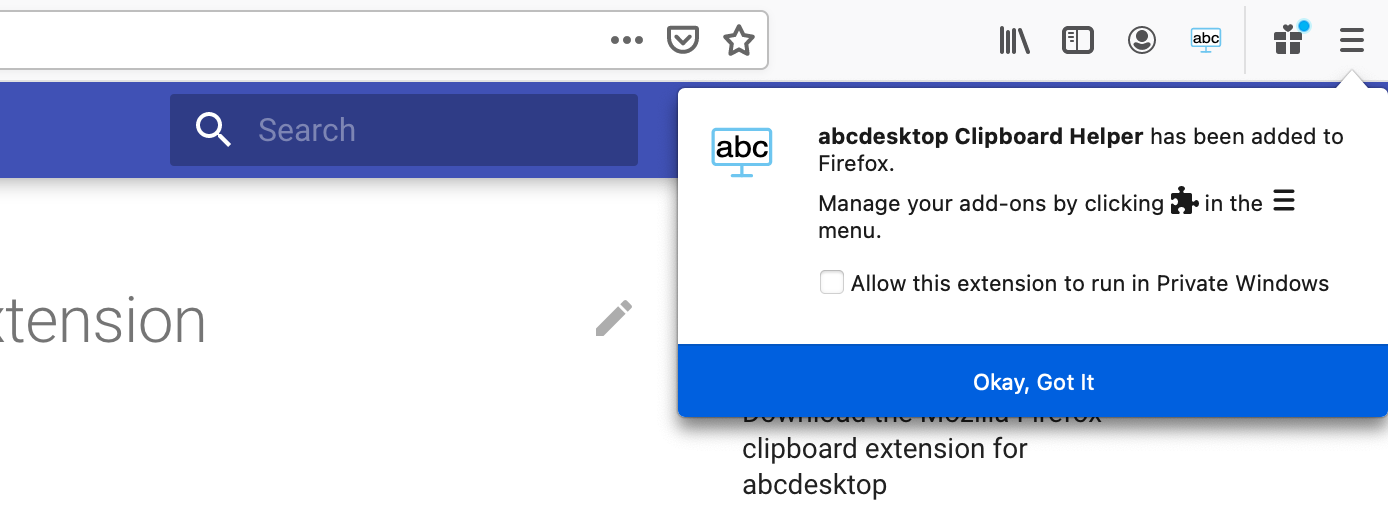
Hostname-Based Activation Filter
The Firefox clipboard extension activates only when the URL hostname contains the string desktop. This filter ensures the extension operates exclusively within abcdesktop sessions and does not interfere with unrelated web applications.
The URL must match the pattern *://*desktop*/* to activate the clipboard extension.
https://demo.abcdesktop.iomatches; the Firefox clipboard extension is active.https://desktop.domain.iomatches; the Firefox clipboard extension is active.https://abcdesktop.mydomain.localmatches; the Firefox clipboard extension is active.https://demo.domain.comdoes not match; the Firefox clipboard extension is not active.
Using the Firefox Clipboard Extension with abcdesktop
The Firefox clipboard extension synchronizes only text data. Binary data such as images is not yet supported.
-
The Firefox clipboard extension synchronizes clipboard content selected within your abcdesktop session to your local desktop environment, enabling seamless copy-and-paste from the remote session into local applications.
-
The Firefox clipboard extension also synchronizes your local desktop clipboard to your abcdesktop session clipboard, allowing you to paste locally copied text directly into applications running inside the remote desktop.