Deploy abcdesktop on DigitalOcean with Kubernetes
Requirements
- a DigitalOcean account
kubectldoctlcommand line interface doctl cli
If you
doctlcommand line for your first time, rundoctl authcommand line for use with your DigitalOcean account using tokens that you generate in the control panel at https://cloud.digitalocean.com/account/api/tokens.
Create a DOKS DigitalOcean Kubernetes cluster
If you don't have a running kubernetes cluster, run the doctl command line with the kubernetes cluster create to create your cluster.
doctl kubernetes clusters create --size s-4vcpu-8gb myabccluster
After few minutes, you get a kubernetes cluster ready
Notice: Cluster is provisioning, waiting for cluster to be running
...............................................................
Notice: Cluster created, fetching credentials
Notice: Adding cluster credentials to kubeconfig file found in "/Users/myuser/.kube/config"
Notice: Setting current-context to do-nyc1-myabccluster
ID                                      Name            Region    Version        Auto Upgrade    Status     Node Pools
83aae84d-cfa9-4a89-ae75-89f0d5078d33    myabccluster    nyc1      1.33.1-do.0    false           running    myabccluster-default-pool
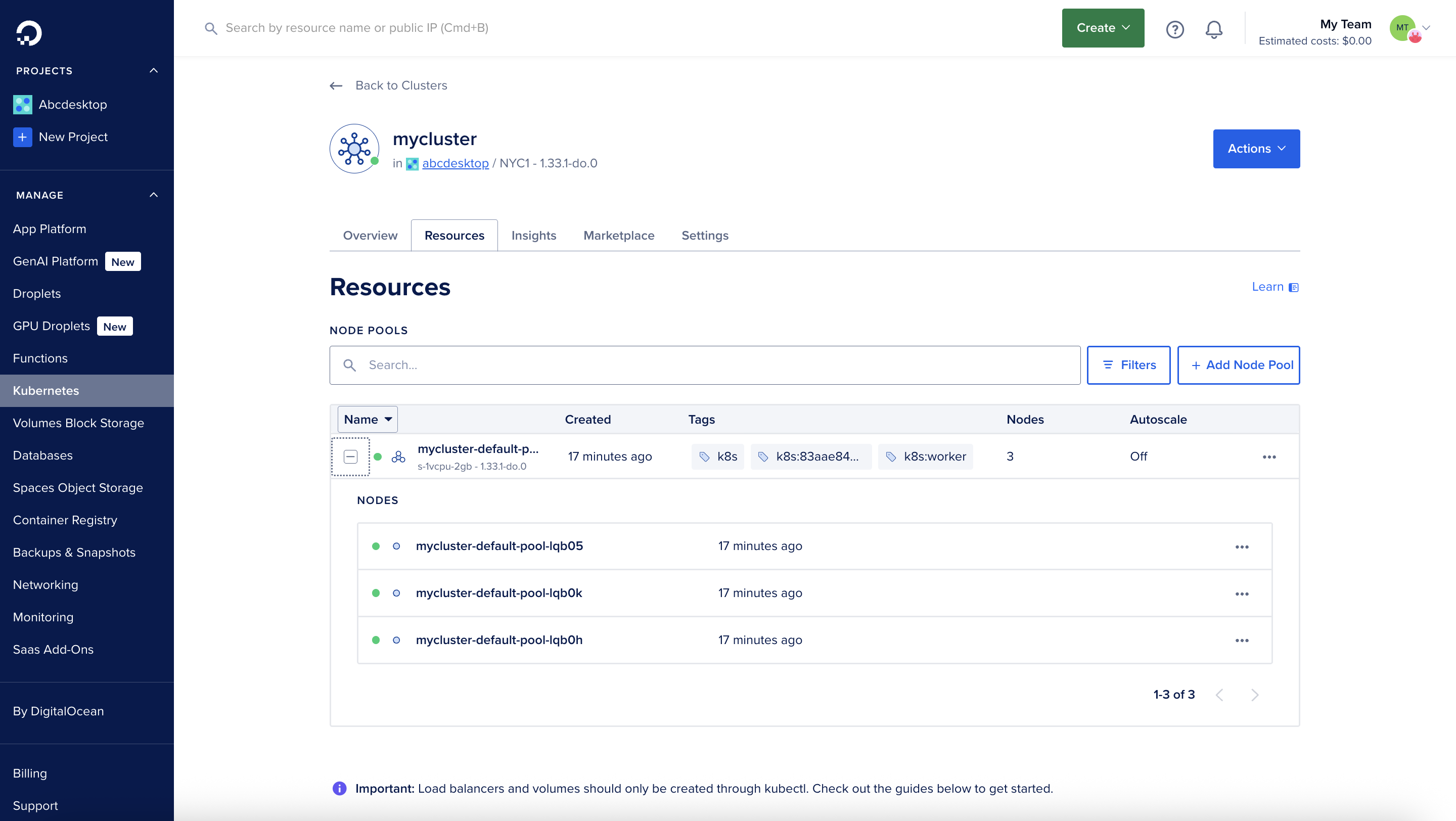
DigitalOcean console overview
This screenshot describes the DigitalOcean control panel. It shows the Resources of the kubernetes cluster and Nodes informations.
Run the abcdesktop install script
Download and install the latest release automatically
curl -sL https://raw.githubusercontent.com/abcdesktopio/conf/main/kubernetes/install-4.3.sh | bash
To get more details about the install process, please read the Setup guide
Connect to your abcdesktop service
By default install script is listening on a free tcp port :30443 and is using a kubectl port-forward command line to reach http web service :80
Open your web browser http://locahost:30443
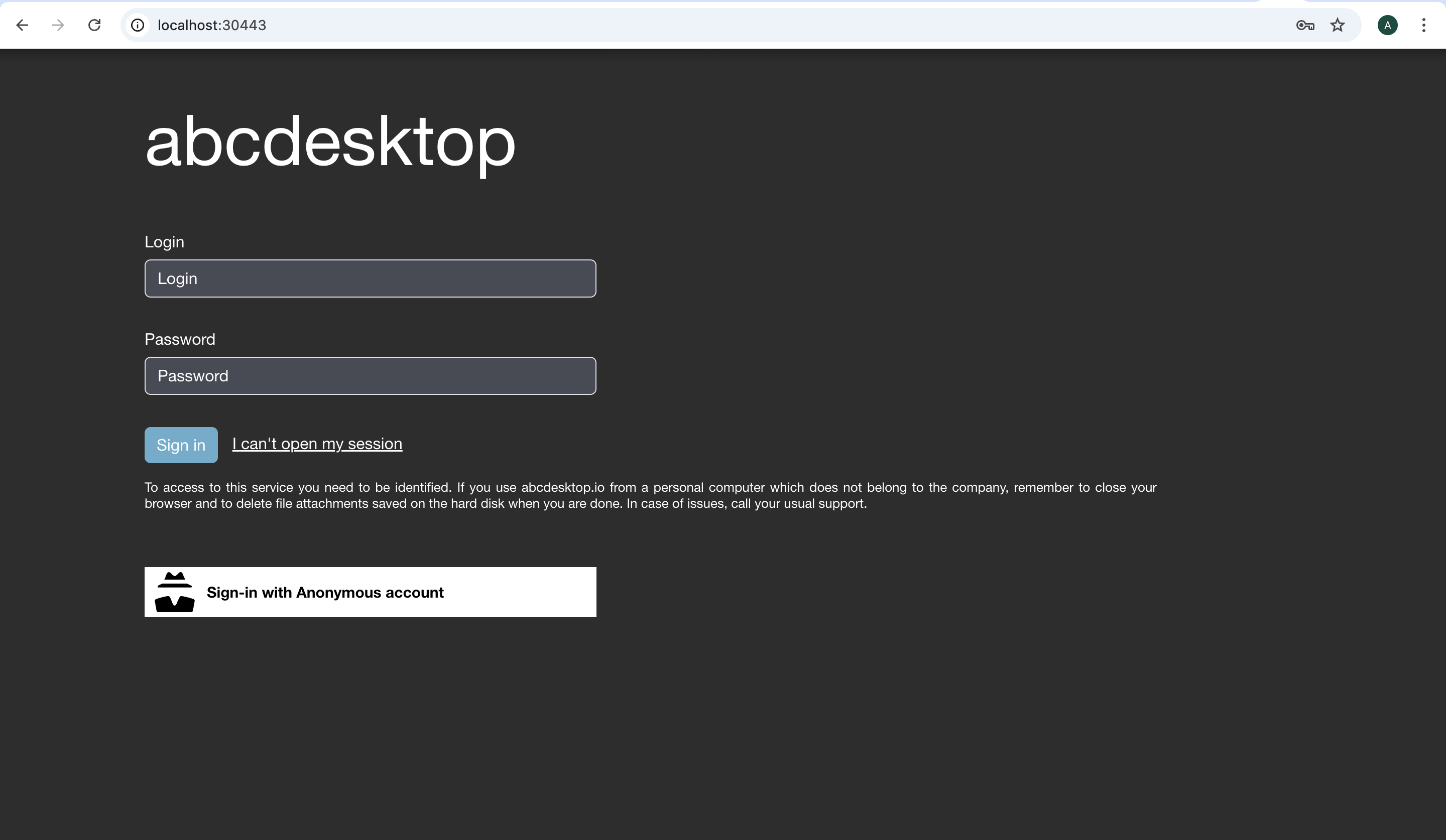
Login as user Philip J. Fry with the password fry
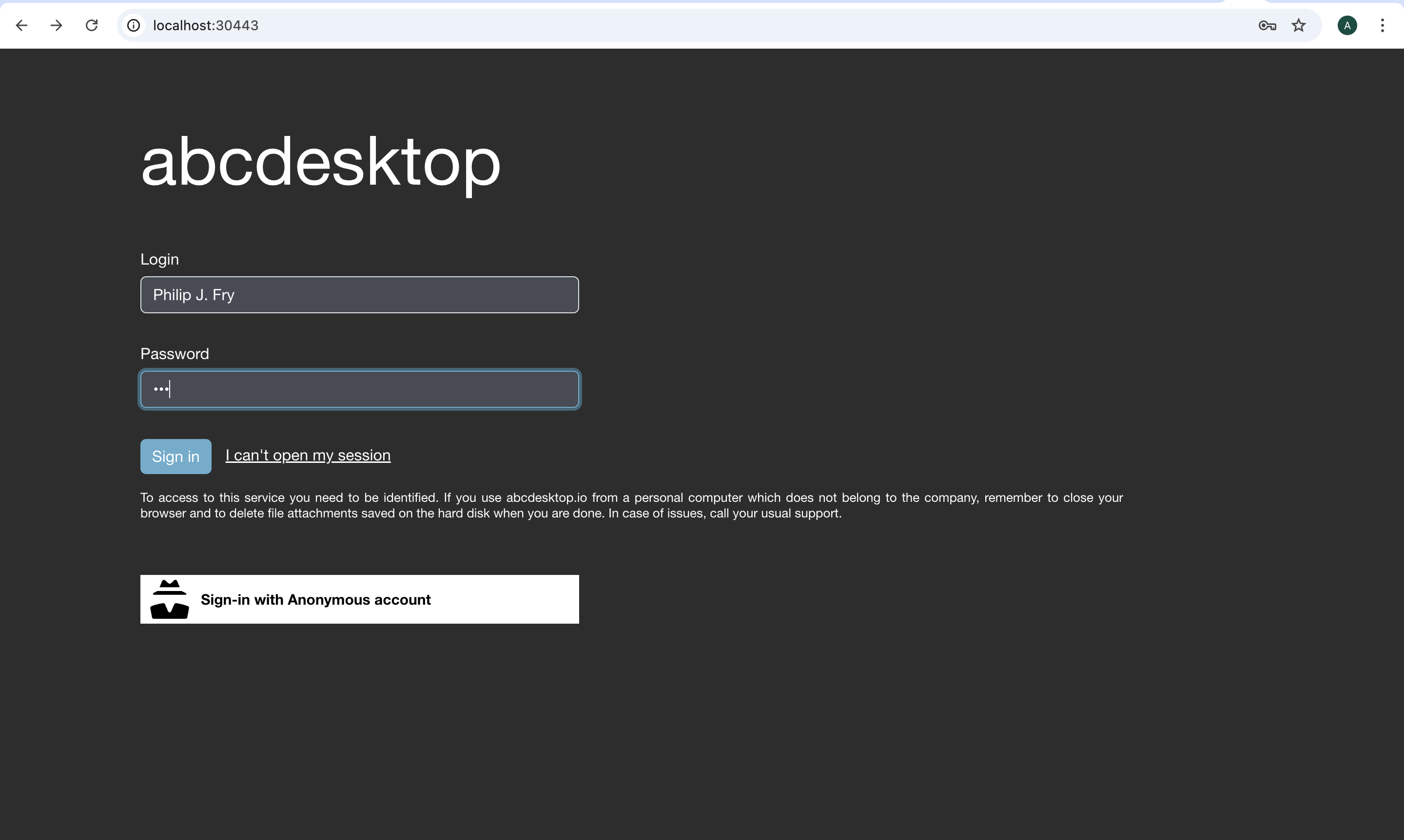
After image pulling process, you get your first abcdesktop
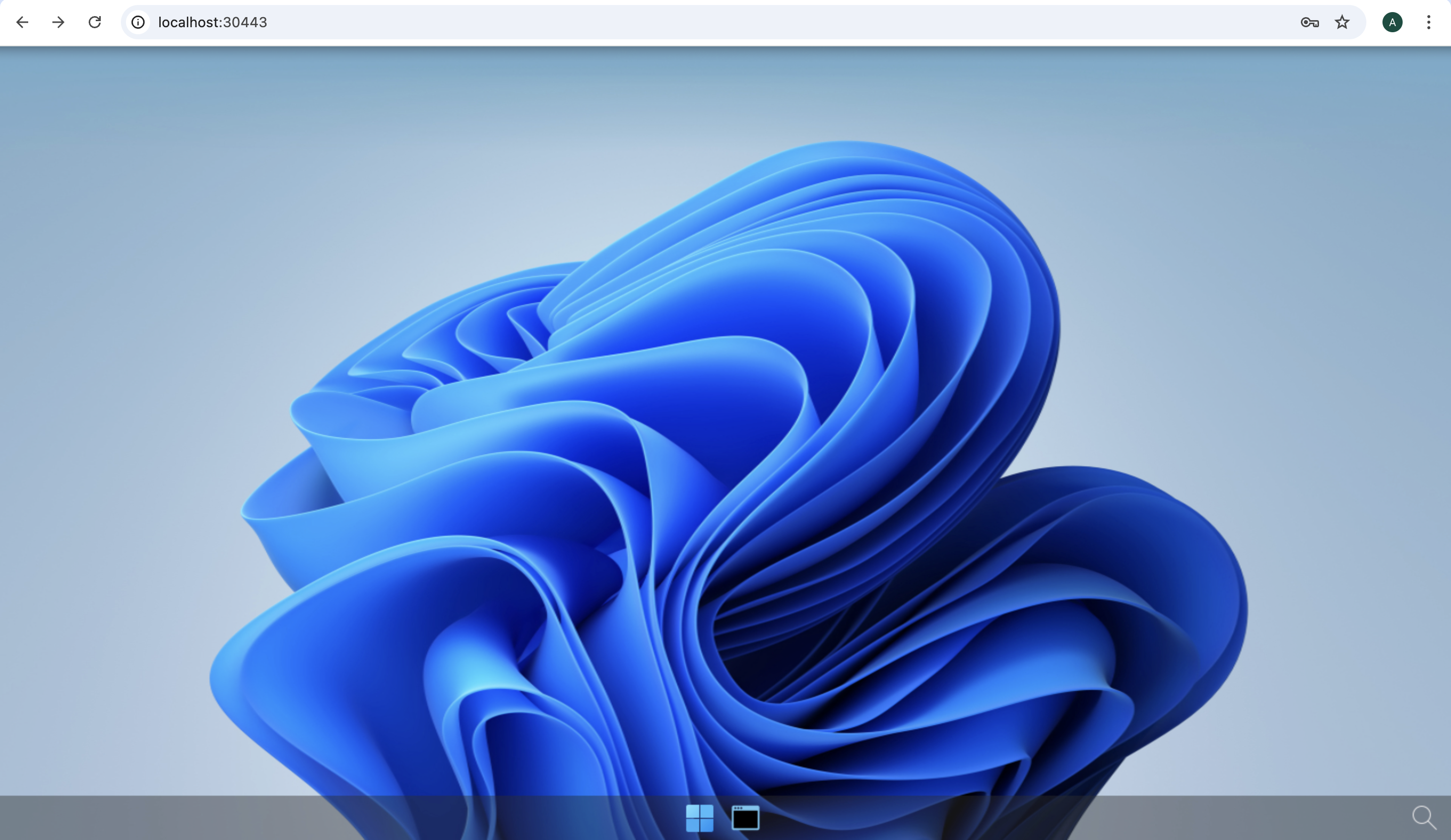
Add applications to your desktop
Using the previous terminal shell, run the application install script
curl -sL https://raw.githubusercontent.com/abcdesktopio/conf/main/kubernetes/pullapps-4.3.sh | bash
To get more details about the install applications process, please read the Setup applications guide
Then you just need to reload the web page with the desktop of Philip J. Fry
New applications are now listed in the dock of plasmashell.
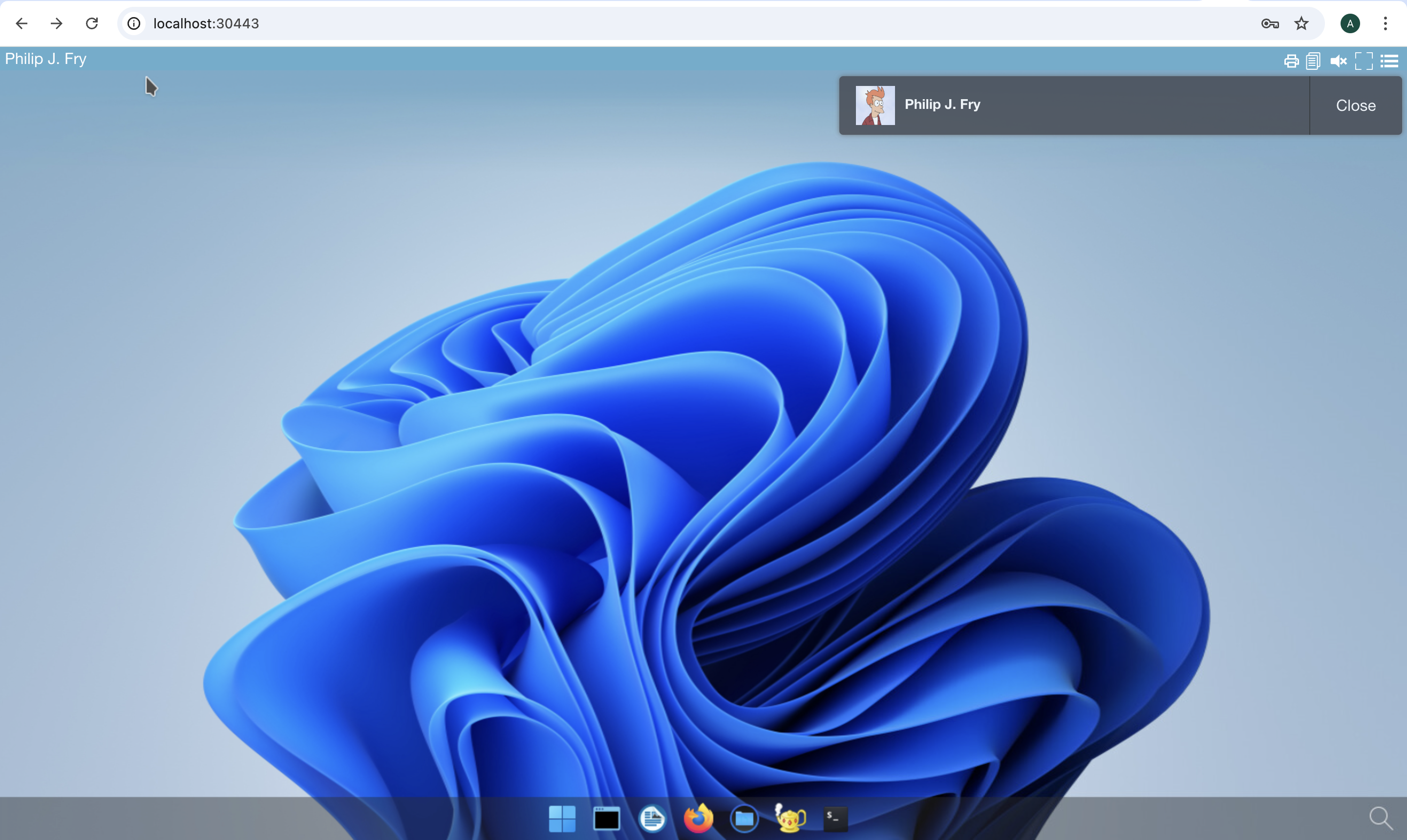
Start Firefox application
The first run may involve waiting for the image pulling process to finish
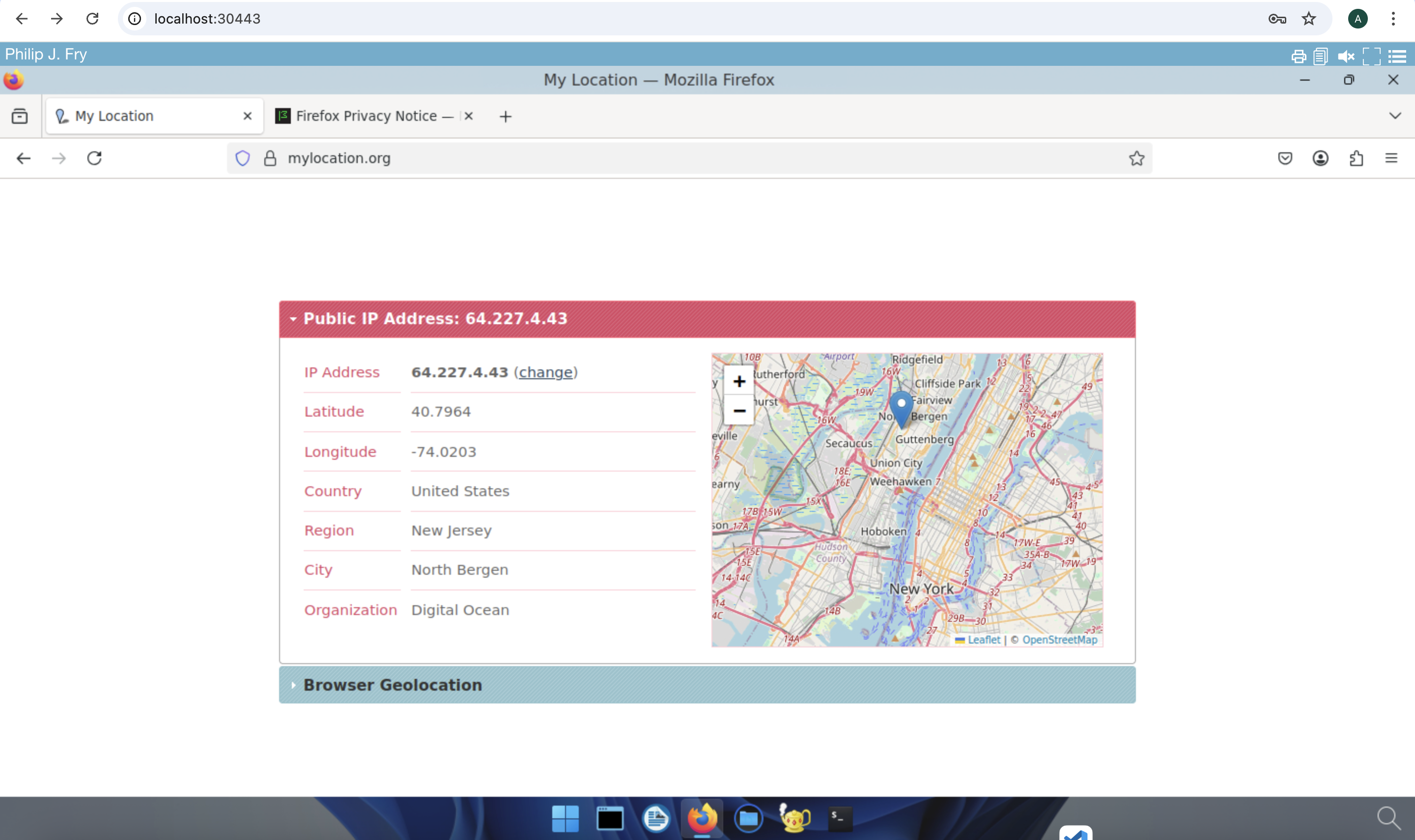
Go to https://mylocation.org website to check where your pod is running. In my case for the region nyc1 (New york City 1), the desktop is located near North Bergen city in United States.