Deploy abcdesktop on AZURE with Microsoft AZURE Kubernetes services
Requirements
azcommand line interface azure-cli installed.- you need your
Azure Subscription Name, yourUsernameandPassword - A running AZURE Kubernetes service cluster
readyand running.
AZURE console overview
Create a new AZURE Kubernetes service.

Options and features are set by default.
In this example the kubernetes cluster is named abcdesktopkubernetescluster.
This screenshot describes the AZURE Kubernetes Service console. It shows the Nodes pools and Networking informations.

Check your caller-identity
If you don't have already done it, use the az login command line
az login
The next steps are running on your web browser with your own credentials.
Set your subscription to your azur account
az account set --subscription XXXXXX-YYYYY-ZZZZZ-AAAA-BBBBBBBBBB
Create your kubernetes config
az aks get-credentials --name MyManagedCluster --overwrite-existing --resource-group MyResourceGroup
For example
resource-group: abcdesktopname: abcdesktopkubernetescluster
az aks get-credentials --resource-group abcdesktop --name abcdesktopkubernetescluster --overwrite-existing
Get your kubernetes cluster informations
Run the kubectl cluster-info command line, to confirm that kubectl command can communicate whith your azur cluster
kubectl cluster-info
Kubernetes control plane is running at https://abcdesktopkubernetescluster-dns-rm7w2mot.hcp.northeurope.azmk8s.io:443
CoreDNS is running at https://abcdesktopkubernetescluster-dns-rm7w2mot.hcp.northeurope.azmk8s.io:443/api/v1/namespaces/kube-system/services/kube-dns:dns/proxy
Metrics-server is running at https://abcdesktopkubernetescluster-dns-rm7w2mot.hcp.northeurope.azmk8s.io:443/api/v1/namespaces/kube-system/services/https:metrics-server:/proxy

To further debug and diagnose cluster problems, use 'kubectl cluster-info dump'.
Run the abcdesktop install script
Download and extract the latest release automatically
curl -sL https://raw.githubusercontent.com/abcdesktopio/conf/main/kubernetes/install-4.3.sh | bash
To get more details about the install process, please read the Setup guide
Connect to your abcdesktop service
By default install script is listening on a free tcp port :30443 and is using a kubectl port-forward command line to reach http web service :80
Open your web browser http://locahost:30443
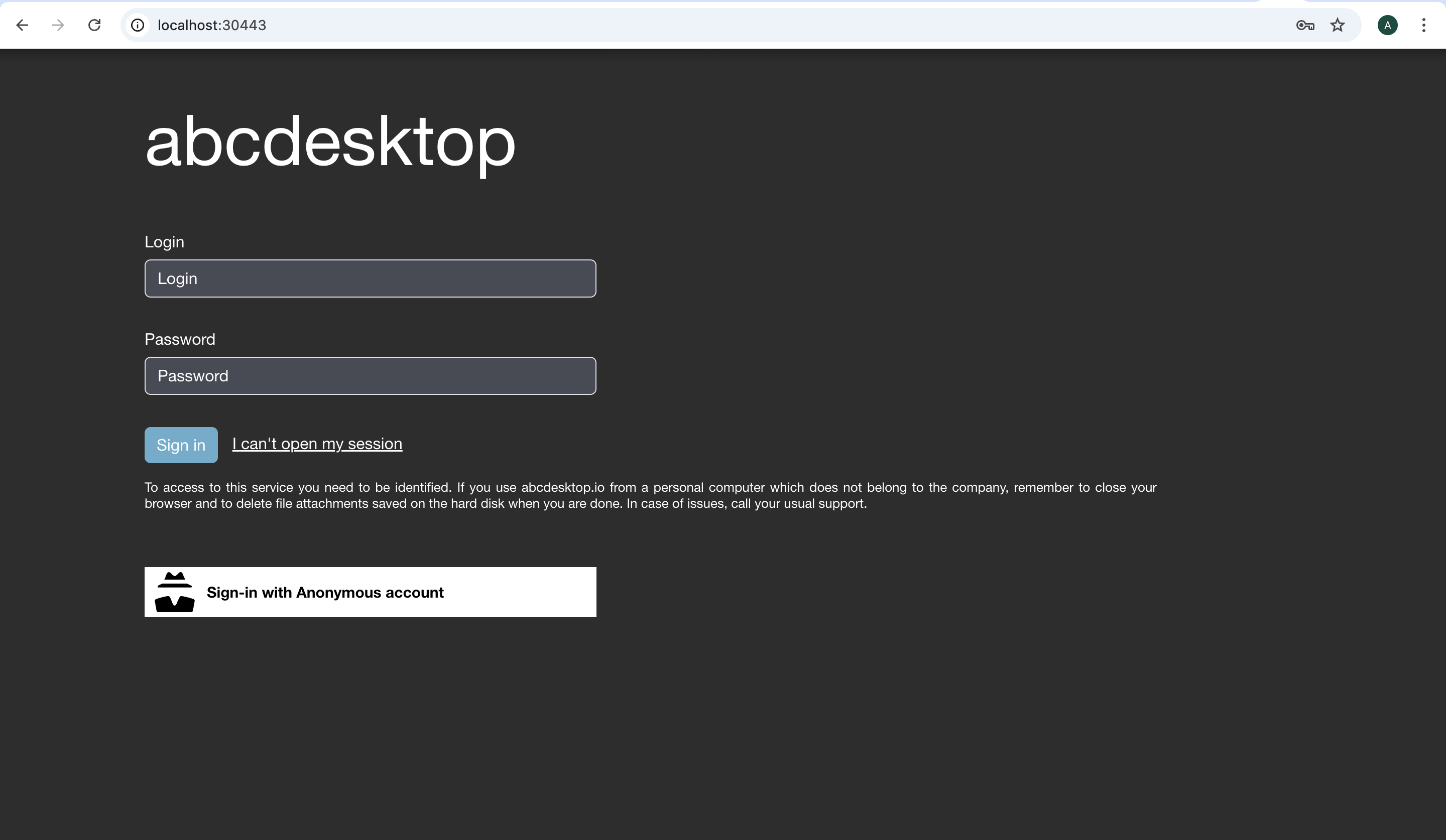
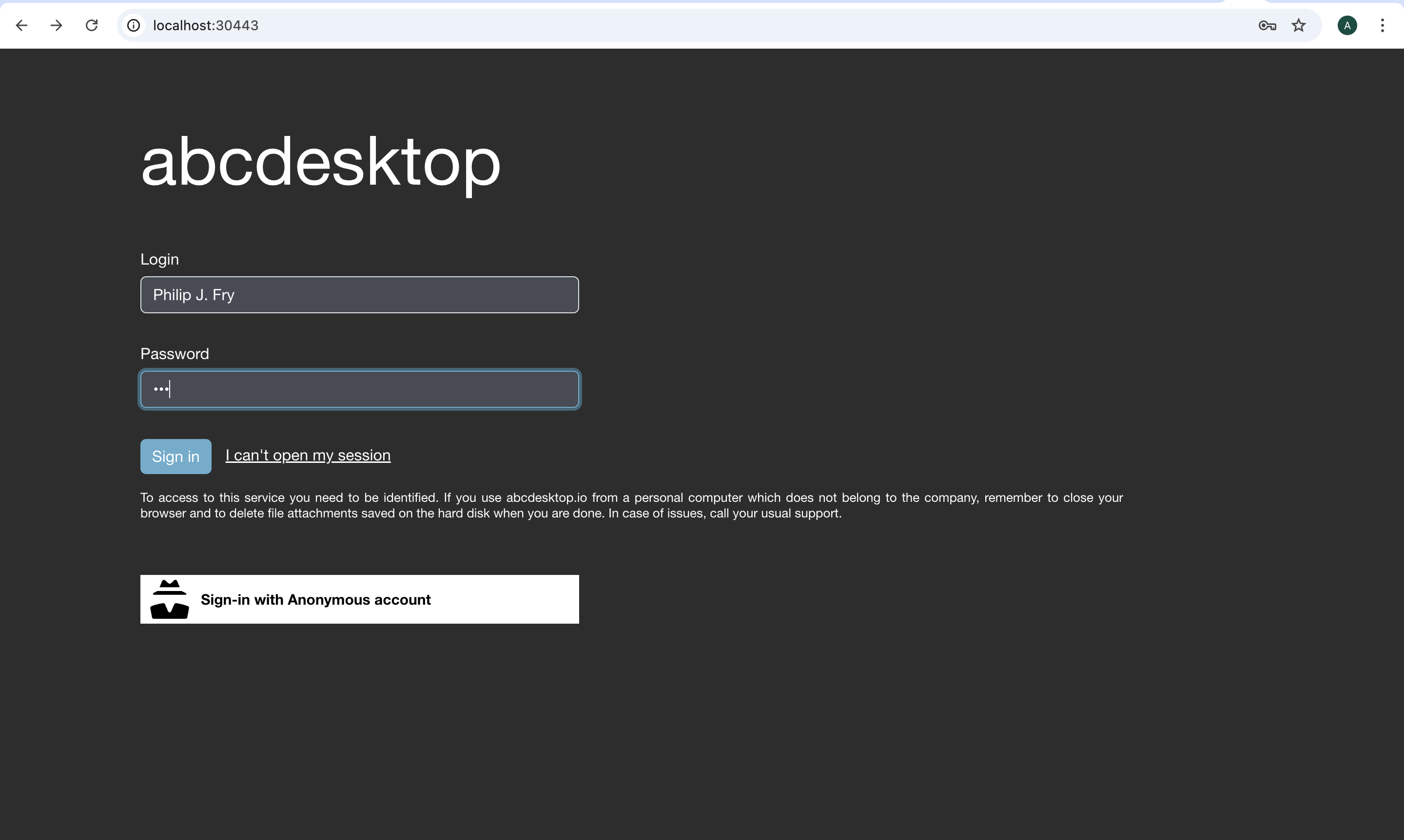
Login as user Philip J. Fry with the password fry
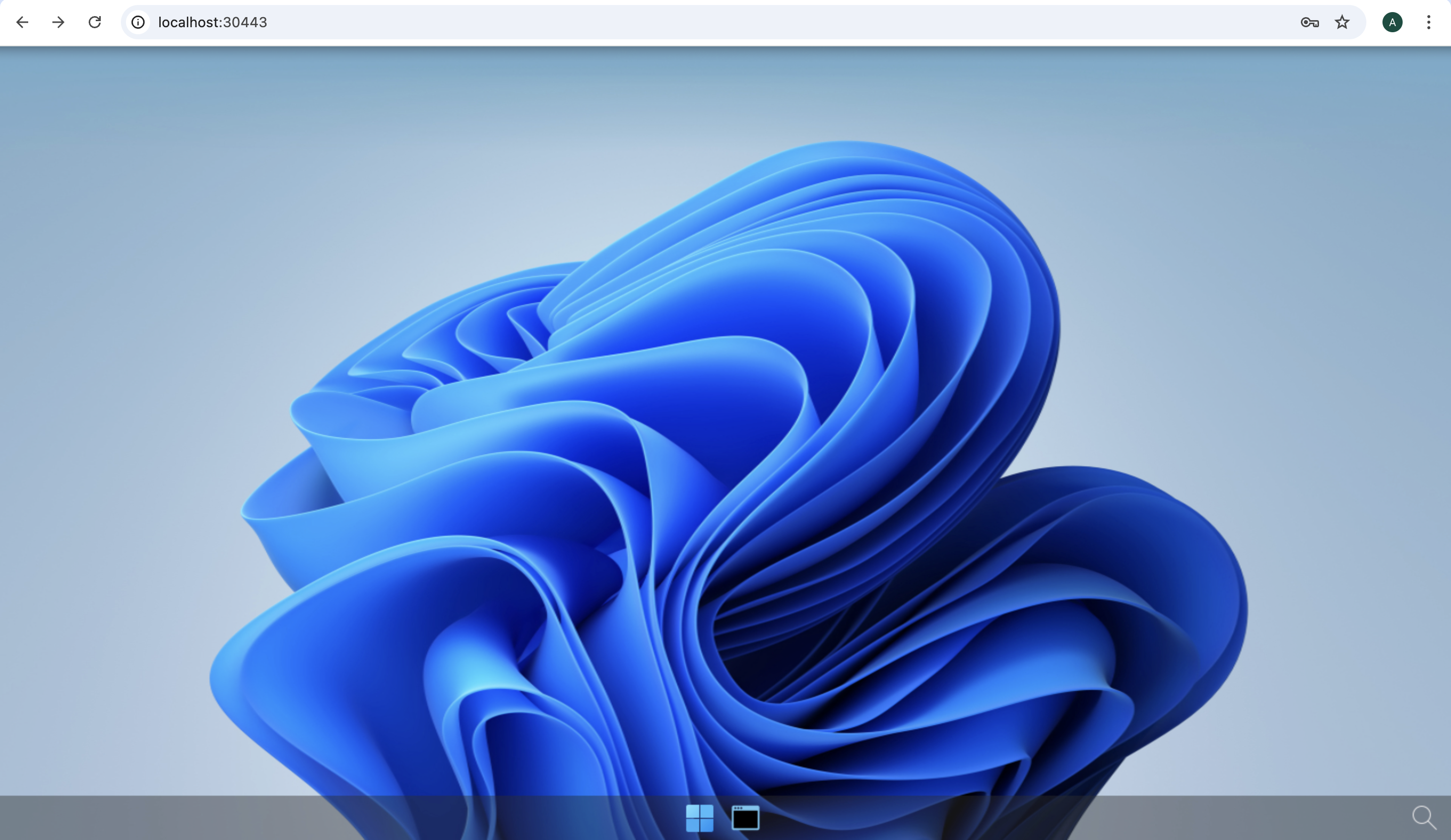
After image pulling process, you get your first abcdesktop
Add applications to your desktop
Using the previous terminal shell, run the application install script
curl -sL https://raw.githubusercontent.com/abcdesktopio/conf/main/kubernetes/pullapps-4.3.sh | bash
To get more details about the install applications process, please read the Setup applications guide
Then reload the web page with the desktop of Philip J. Fry
New applications are now listed in the dock of plasmashell
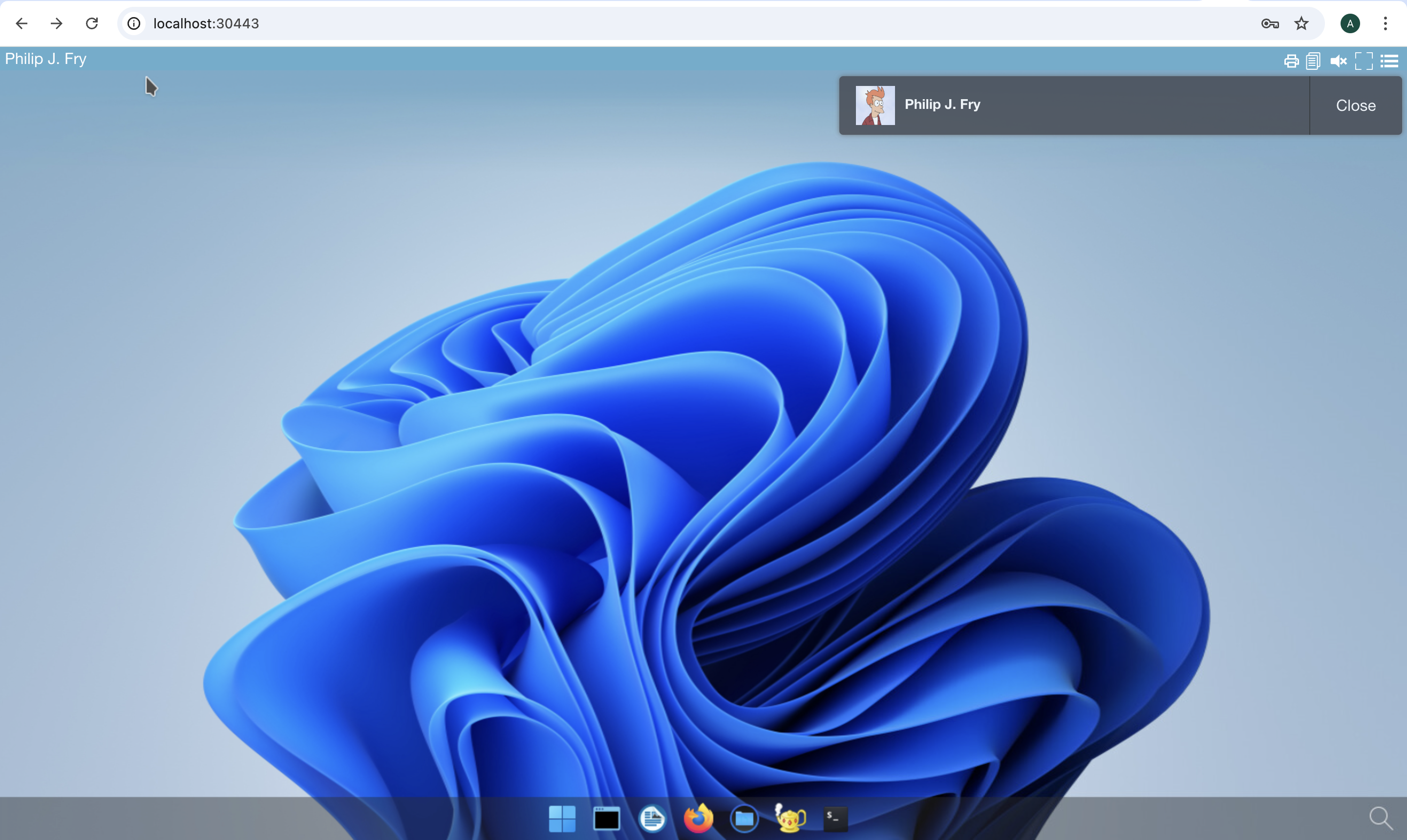
Start Firefox application
The first run may involve waiting for the image pulling process to finish
Go to https://mylocation.org website to check where your pod is running. In my case for the region North Europe, the desktop is located near Dublin city in Ireland.
