Deploy abcdesktop on AWS with Amazon Elastic Kubernetes Service
Requirements
- aws command line interface aws-cli
-
create an EKS
Amazon Elastic Kubernetes Serviceand a VPC with a NAT gatewayYou need a NAT gateway to pull images from your nodes to
ghcr.iopublic registry. If your kubernetes nodes can't reachghcr.io, you pod will stay in ImagePullBackOff. -
Define the environnement variables
AWS_ACCESS_KEY_IDAWS_SECRET_ACCESS_KEYAWS_SESSION_TOKENYou can retrieve credentials as often as needed from your AWS access portal.
EKS console overview
This screenshot describes the Amazon Elastic Kubernetes Service console. It shows the Cluster and Networking informations.

Check your caller-identity
aws sts get-caller-identity
I'm using a SandboxAdministratorAccess but you can choose others
$ aws sts get-caller-identity
{
    "UserId": "XXXXXXXXXXXXXXXXXXX:user.namee@domain.org",
    "Account": "YYYYYYYYYYYYYYYY",
    "Arn": "arn:aws:ZZZ::ZZZZZZZZZZZZZ:assumed-role/AWSReservedSSO_SandboxAdministratorAccess_ZZZZZZZZZZZZZZZ/user.namee@domain.org"
}
Find your cluster's name
I use eu-north-1 as my region value
aws eks list-clusters --region eu-north-1
{
    "clusters": [
        "scrumptious-dance-potato"
    ]
}
Create your kubernetes config file
Create your kubernetes config file using the aws eks update-kubeconfig command line
aws eks update-kubeconfig --region region-code --name my-cluster
In this example
aws eks update-kubeconfig --region eu-north-1 --name scrumptious-dance-potato
Run a kubectl command line like kubectl cluster-info command line to make sure that kubeconfig is defined
kubectl cluster-info
Run the abcdesktop install script
Download and extract the latest release automatically
curl -sL https://raw.githubusercontent.com/abcdesktopio/conf/main/kubernetes/install-4.3.sh | bash
To get more details about the install process, please read the Setup guide
Connect to your abcdesktop service
By default install script is listening on a free tcp port :30443 and is using a kubectl port-forward command line to reach http web service :80
Open your web browser http://locahost:30443
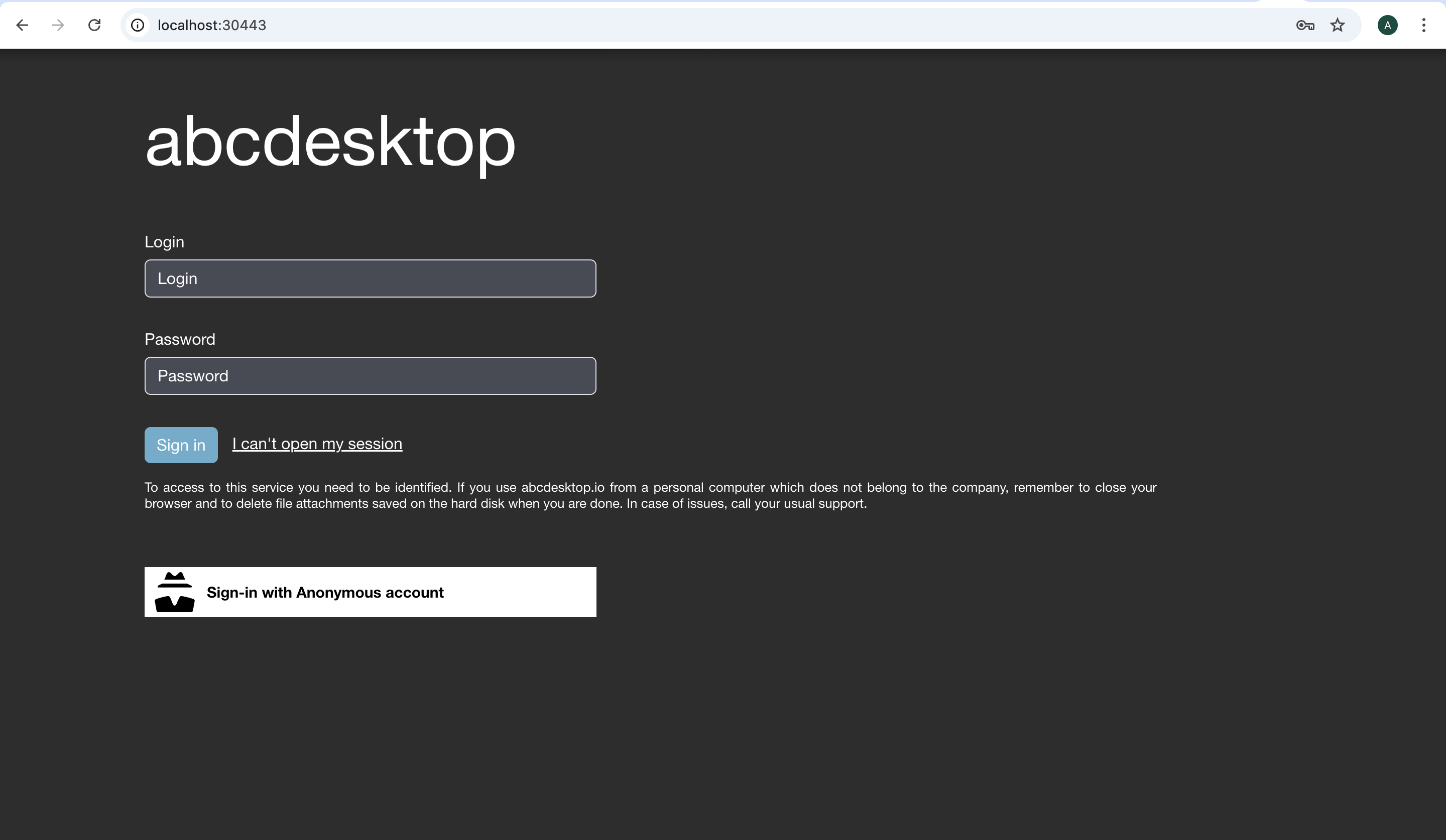
Login as user Philip J. Fry with the password fry
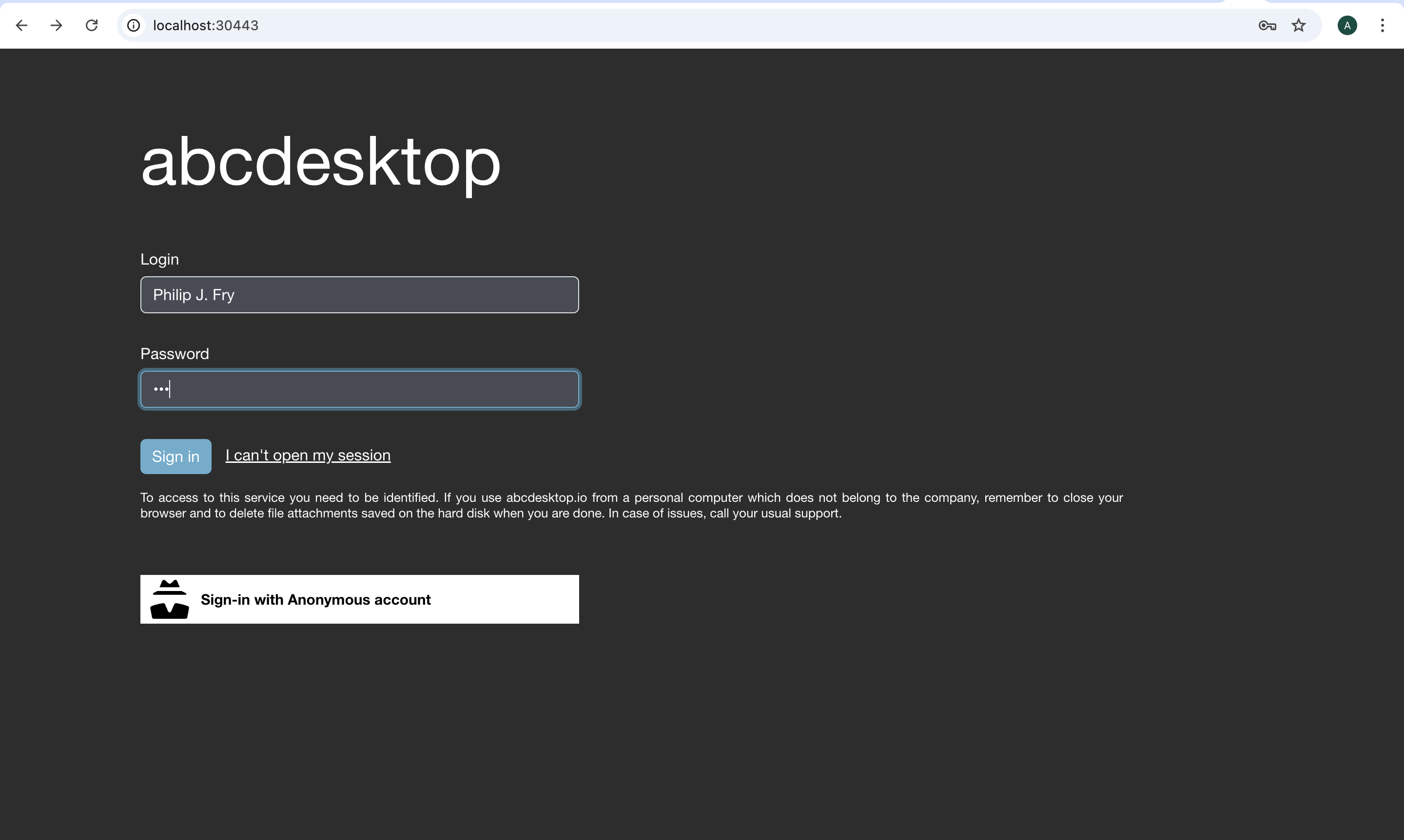
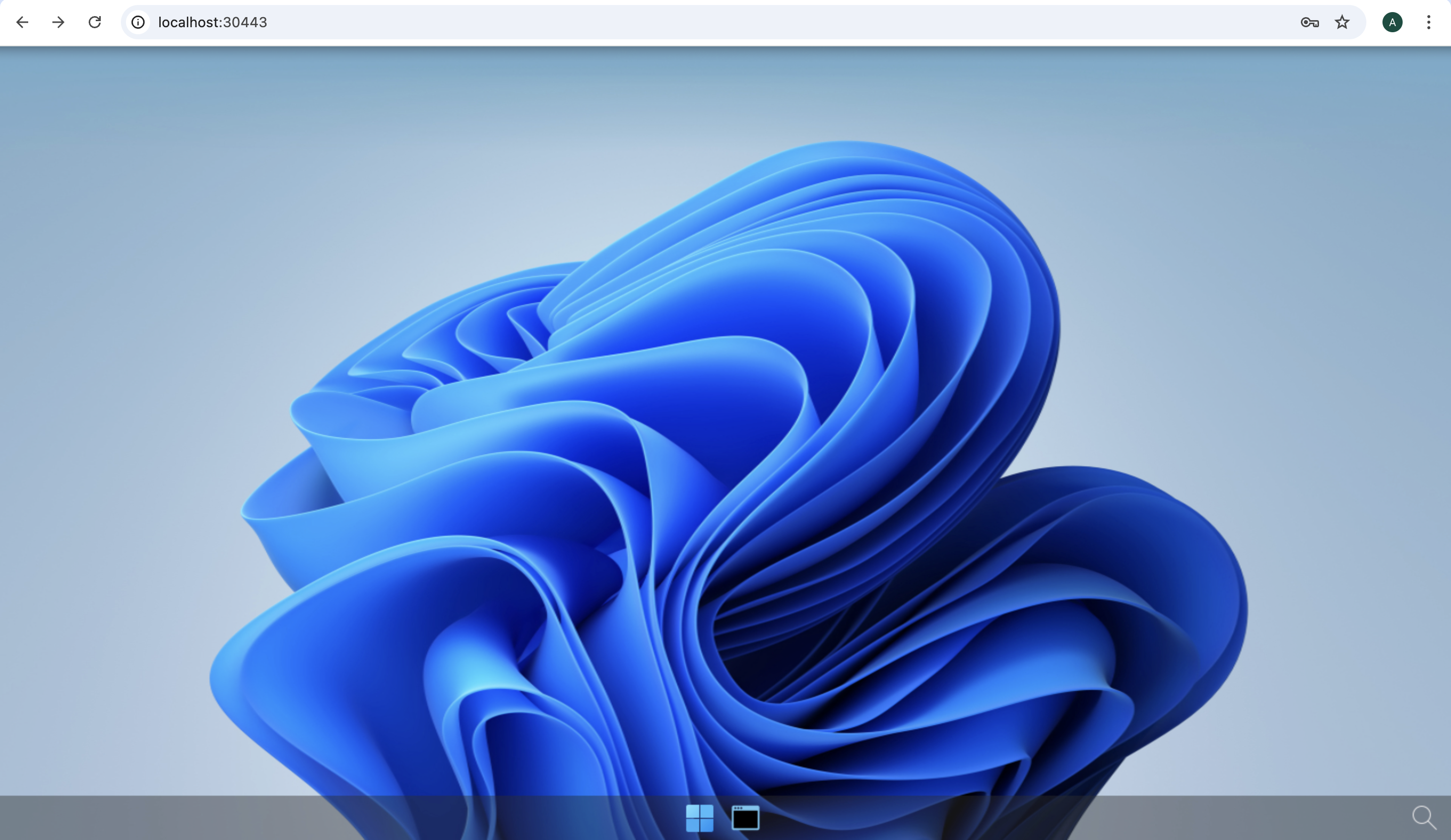
After image pulling process, you get your first abcdesktop
Add applications to your desktop
Using the previous terminal shell, run the application install script
curl -sL https://raw.githubusercontent.com/abcdesktopio/conf/main/kubernetes/pullapps-4.3.sh | bash
To get more details about the install applications process, please read the Setup applications guide
Then reload the web page with the desktop of Philip J. Fry
New applications are now listed in the dock of plasmashell
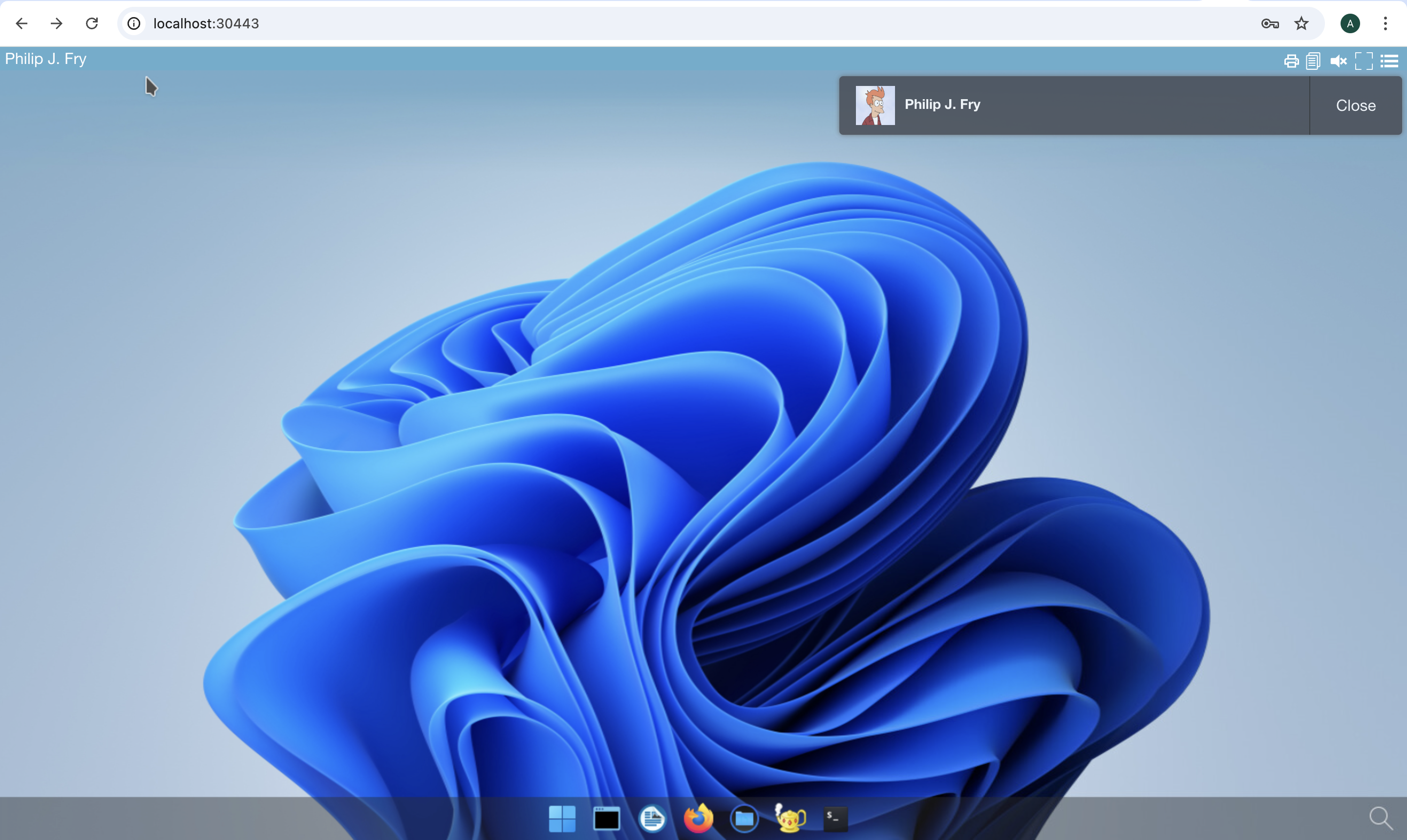
Start Firefox application
The first run may involve waiting for the image pulling process to finish
Go to https://mylocation.org website to check where your pod is running.

In my case for the region north-1, the desktop is located near Stockholm city in Sweeden.